
The new authentication method on the VPS is more secure and provides a better experience with the VPS, as you can access it in two different ways:
- Via browser.
- Via Remote Desktop.
This tutorial will cover how to access it via Remote Desktop.
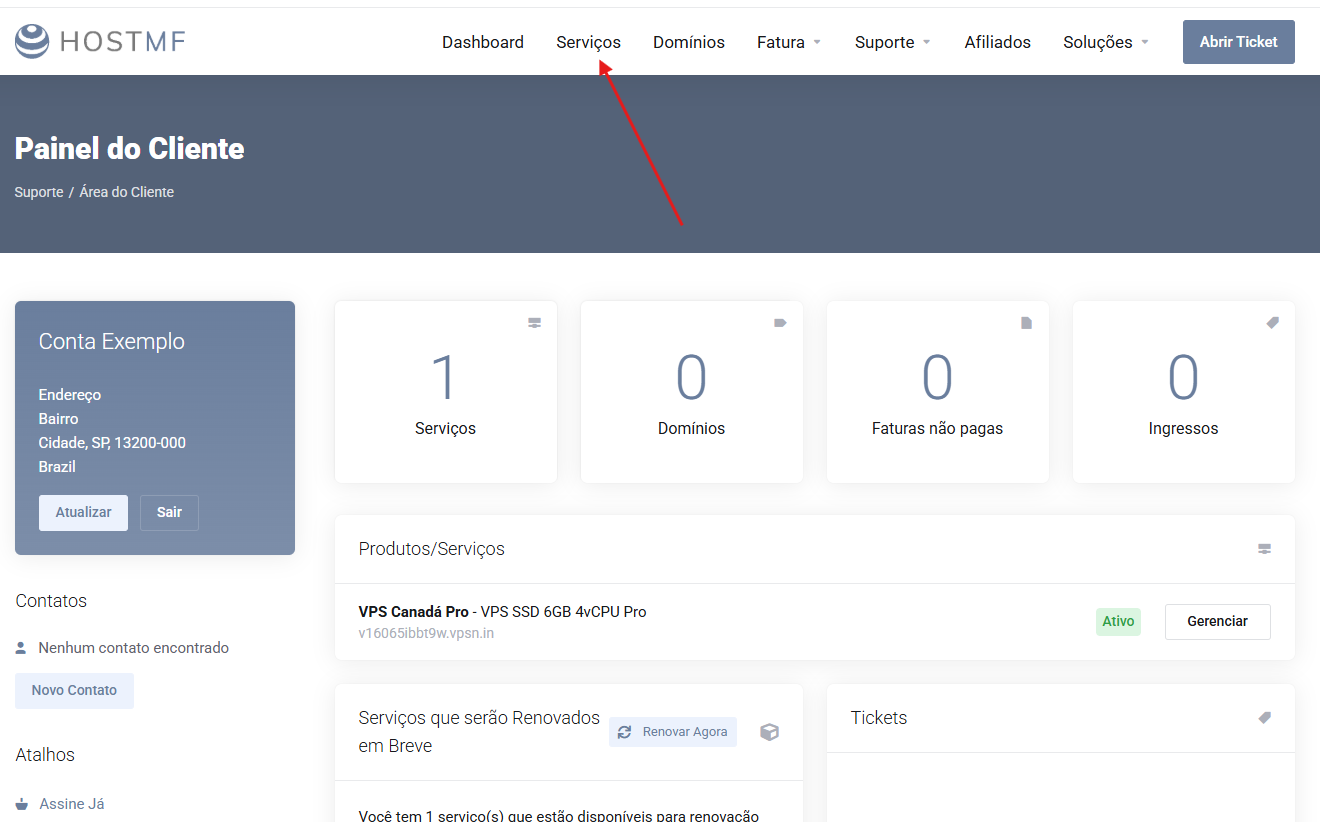
1. The first step is to access the client area.
- Client Area -> Services, as in the example below:
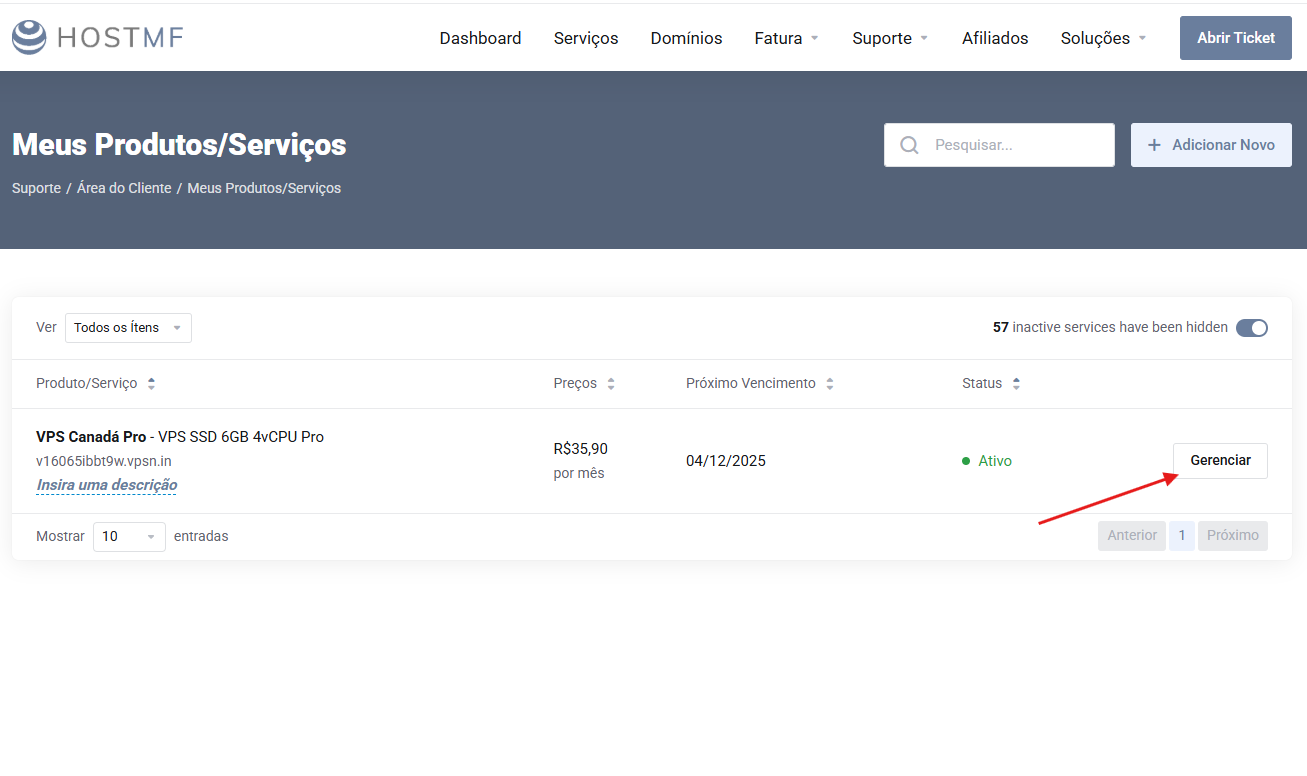
2. Locate the VPS plan you want to connect to and click "Manage".
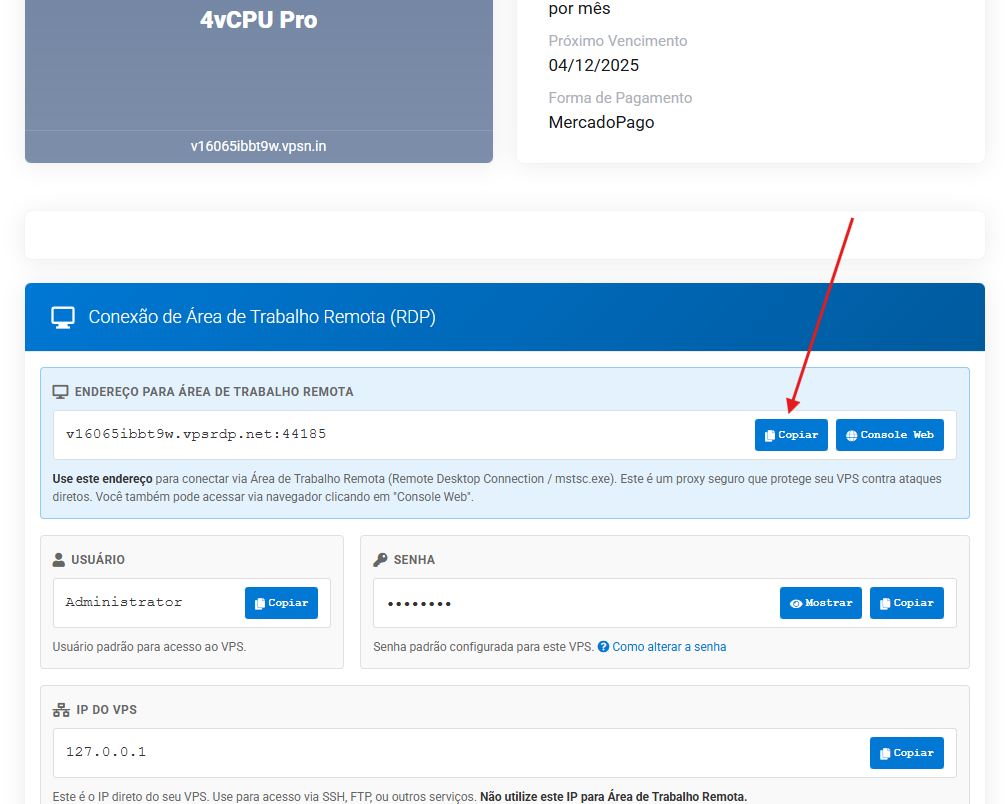
3. Locate the connection details and copy the remote desktop address.
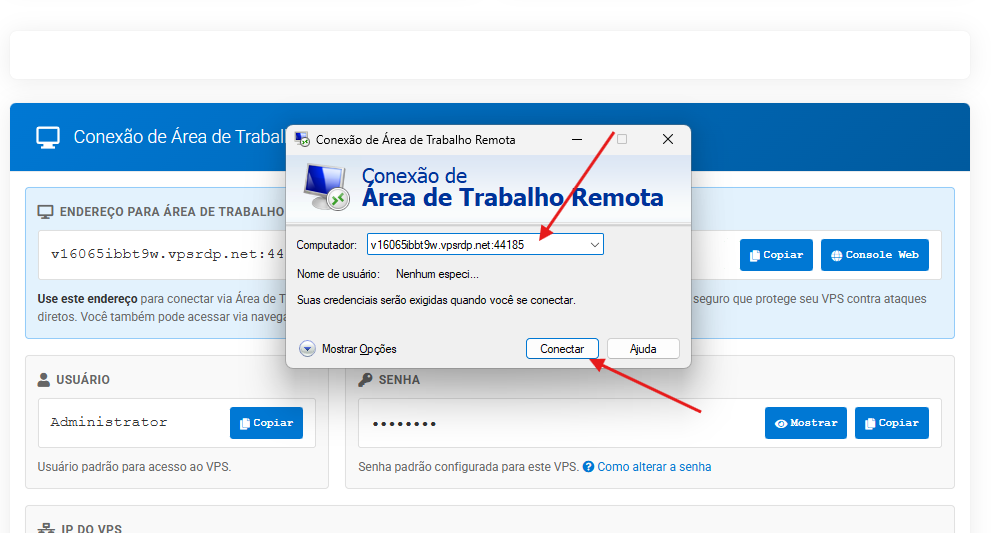
4. Open your Remote Desktop application on your computer, paste the address, and click connect.
If you have any questions about this process, please contact us via support.