
If your secure connection to the VPS is not working, your internet IP may have changed. In that case, you will need to allow access again.
1. The first step is to access the VPS domain. This domain can be found in:
- Installation email
- Installation message on WhatsApp.
- Client Area -> Services, as in the example below:
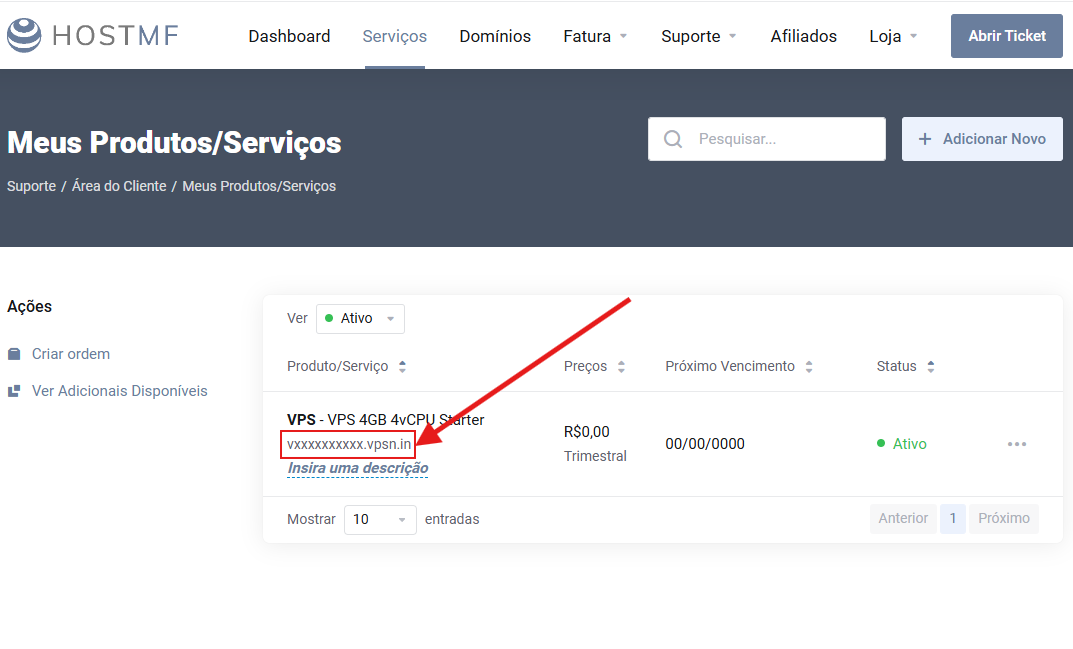
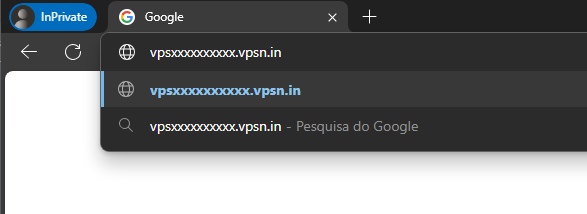
Once you locate the domain, which will look something like "vXXXXXXXXXX.vpsn.in", open it in a web browser using the device you want to allow access for. That is:
- If you want to allow access from your phone, you will need to open the site on your phone.
- If you want to allow access from your computer, you will need to open the site on your computer.
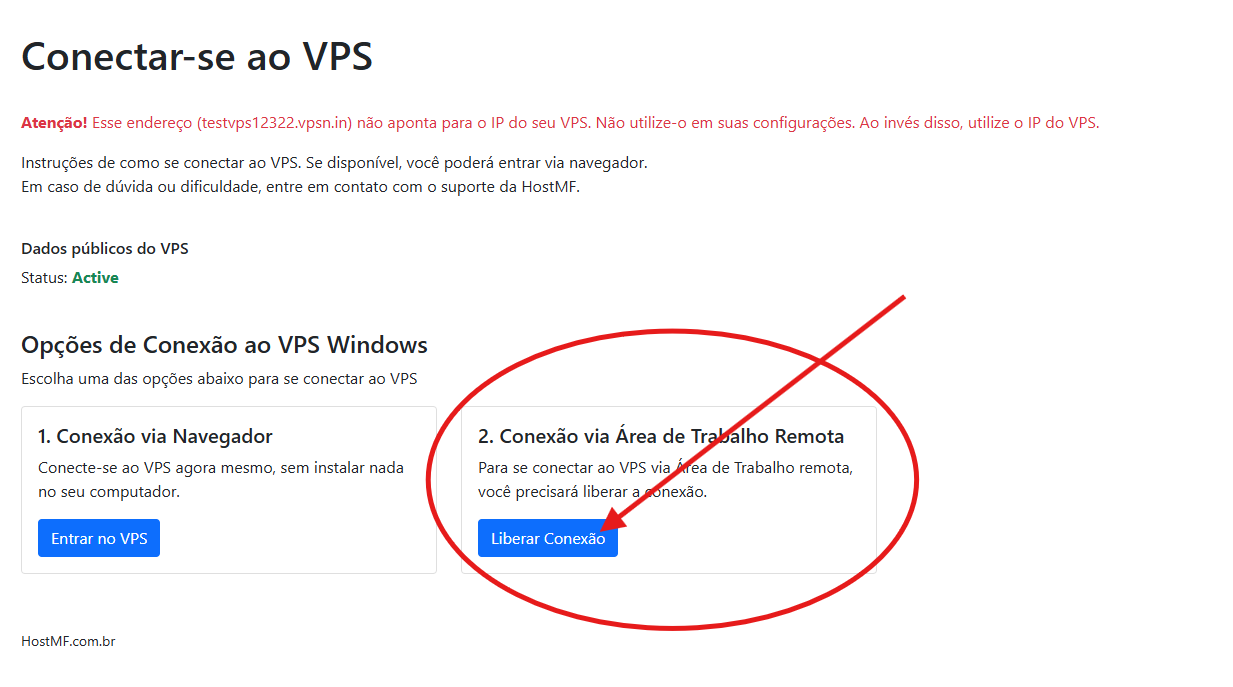
When the page opens, click the button shown in the image "Liberar Conexão".
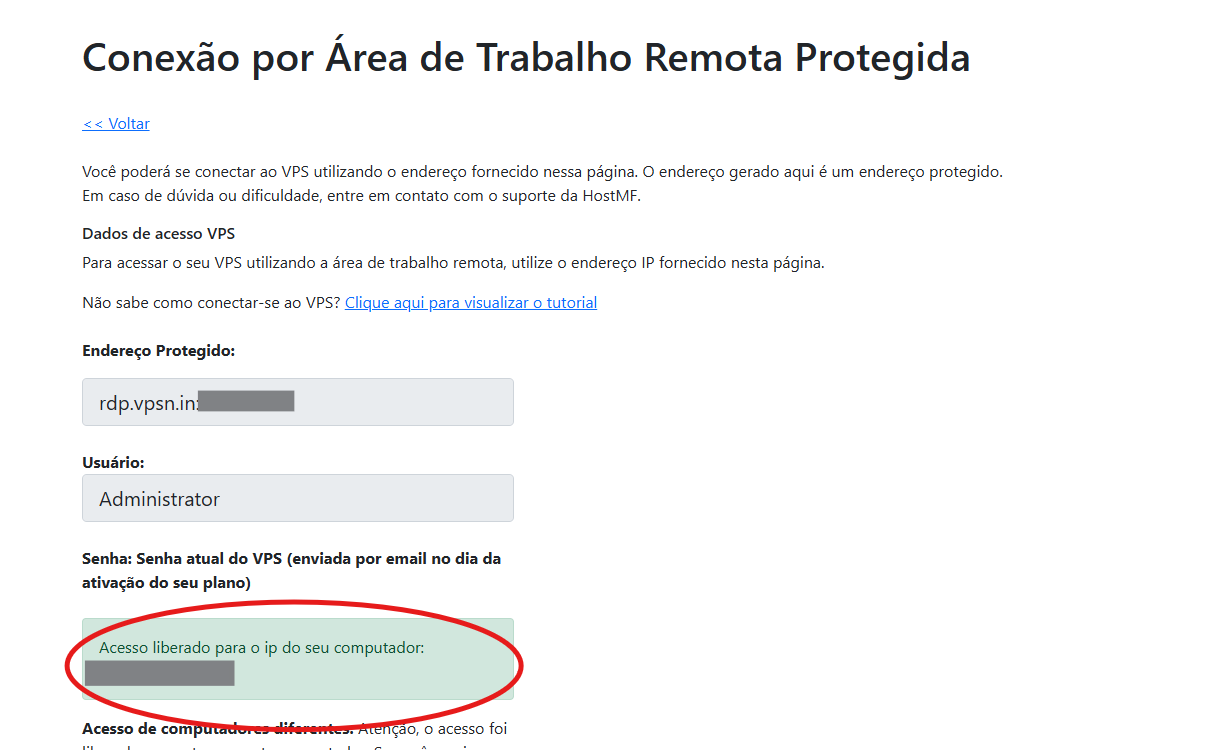
2. Done! Connection allowed for your device.
Simply opening the page will allow the connection for this device. Now just connect to the VPS!
If you have any questions about this process, please contact us via support.