A workflow that sends leads to your CRM, triggers messages, generates proposals, and updates spreadsheets can save hours every day. But when it stops because of a memory shortage, a dropped connection, or a tool's usage limit, the losses add up fast. Automation trends make it clear that automating is no longer just connecting apps. It means building continuous, monitorable digital operations that are ready to grow.
For entrepreneurs, agencies, and technology teams, the question is no longer whether automation is worth it. The decision now is where to run these processes, how to protect data, and how to keep operations available when volume increases.
Automation Trends Changing Digital Operations
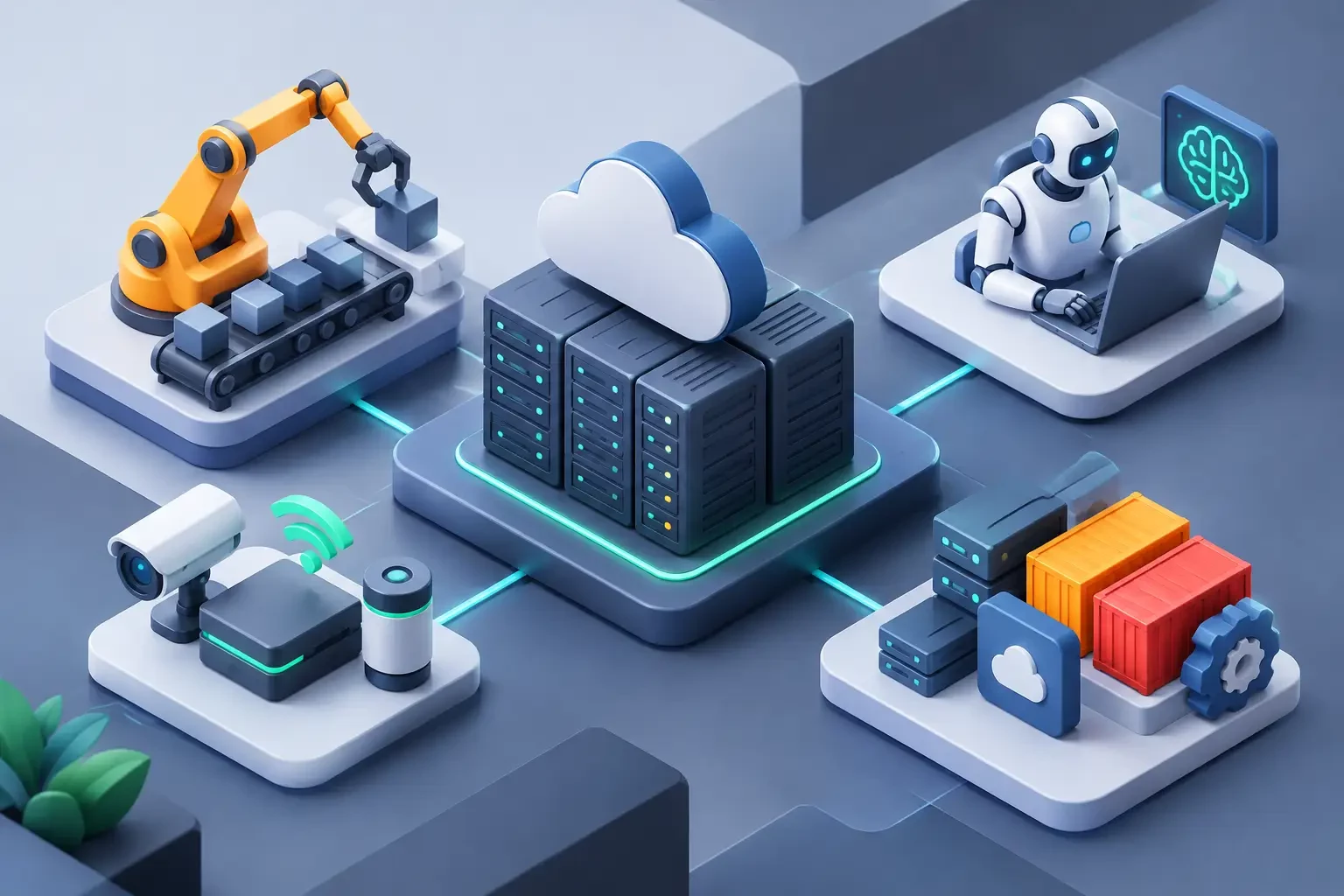
Automation is moving away from isolated tasks and toward coordinating complete processes. Instead of creating a simple rule to send an email, companies connect forms, financial systems, databases, support platforms, online stores, and communication channels in a single workflow.
This shift demands more careful infrastructure planning. An automation that handles a few events per day may run fine on a basic solution. But a workflow that receives orders, updates inventory, queries APIs, and notifies teams in real time needs predictable resources, fast storage, and constant availability.
AI Integrated Into Workflows
Artificial intelligence is no longer used only to create text or images. It now classifies contacts, summarizes support conversations, extracts information from documents, prioritizes tickets, and suggests replies within automated workflows.
In practice, an online store can use AI to identify orders at higher risk of delay, while an agency can break down a client brief, generate tasks, and route each request to the right team. The gain lies in reducing repetitive work without removing human oversight from important decisions.
There is one point to watch: calls to AI models can increase execution time and costs as volume grows. For this reason, it is worth setting limits, logging errors, and preventing a failure in an external service from interrupting the entire routine. Queues, scheduled retries, and alerts help keep the process under control.
Self-Hosted Automation Gains Ground
Visual automation tools have made it easier to build workflows, but many companies find that relying exclusively on closed platforms can bring execution limits, per-task costs, and little room for customization. For this reason, self-hosted solutions such as n8n installed on a VPS are gaining popularity.
This model gives more control over credentials, integrations, versions, and the data processed. It also allows CPU, memory, and storage to be matched to the project's actual usage. For a technical team, it is a way to build automations without being stuck under an artificial ceiling on monthly operations.
On the other hand, autonomy brings responsibility. Updates, backups, access security, and monitoring must be taken care of. A well-configured VPS delivers freedom and predictability, but it does not replace a minimum routine of system administration.
Real-Time and Event-Driven Processes
Spreadsheets updated only at the end of the day do not meet the needs of every business. One of the most relevant trends is event-driven automation: something happens and the system reacts immediately. An approved payment unlocks access. A submitted form creates a contact. A new sale updates inventory and triggers after-sales follow-up.
Webhooks, APIs, and processing queues are the foundation of this kind of operation. They reduce unnecessary polling and make responses faster, but they require network stability and good failure management. If the server is unavailable when an event arrives, the business may lose a sale, a lead, or a critical update.
For this reason, real-time automations need clear logs. Knowing that a workflow failed is useful; knowing which step failed, what data was received, and how to reprocess the event is what allows the problem to be fixed without improvising.
Infrastructure to Keep Up With Automation Trends
Infrastructure should not be chosen based only on how many automations you have created. The ideal environment depends on the type of task, its frequency, the volume of data, the integrations involved, and the impact of a possible outage.
For simple workflows, a Linux VPS with balanced resources may be enough. For automations involving databases, multiple users, file processing, or frequent API queries, it makes sense to plan for more memory, processing power, and disk space from the start. SSD NVMe helps reduce bottlenecks in data reads and writes, especially when there are records, queues, and local databases.
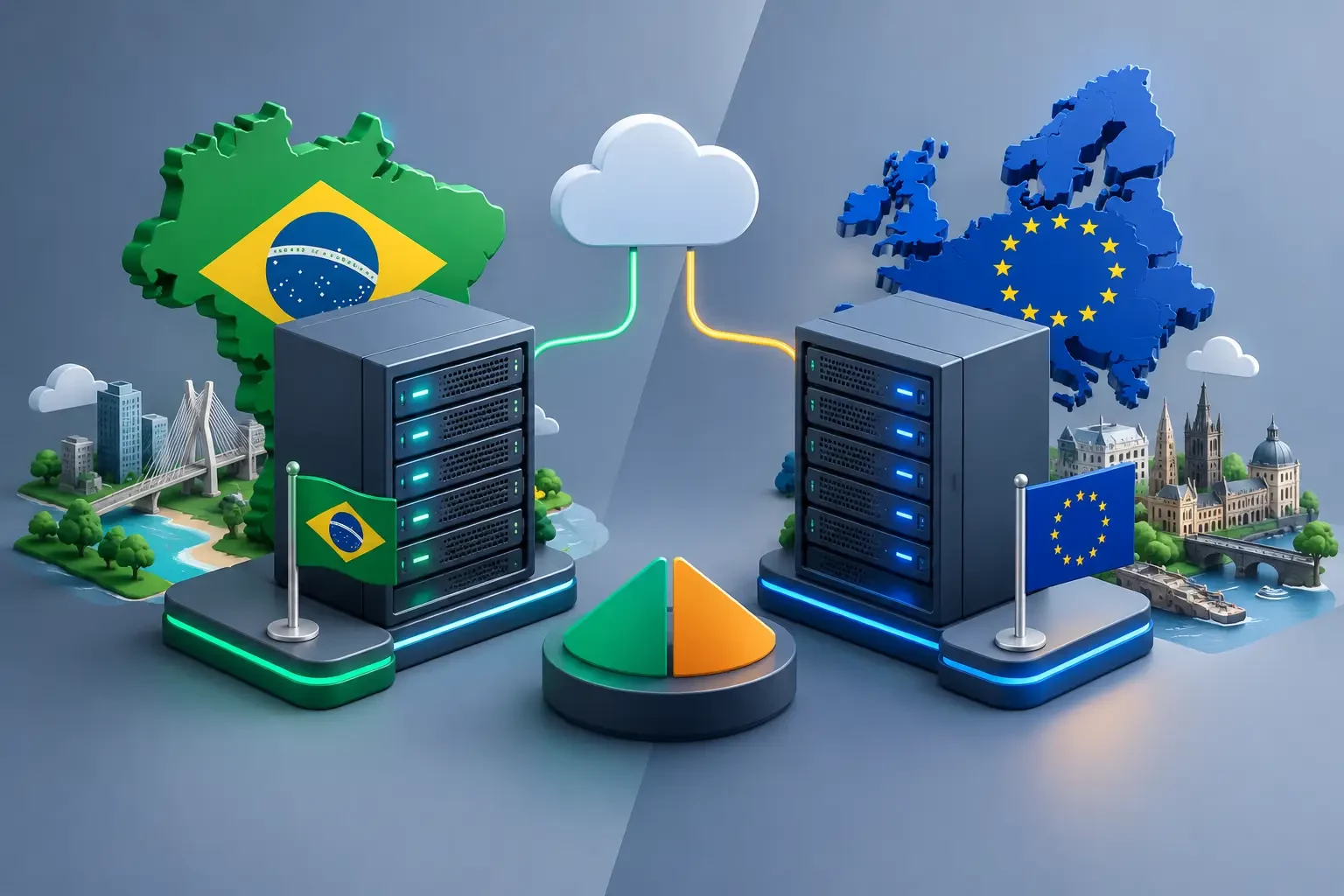
The server's location also depends on the scenario. Applications aimed at the Brazilian public can benefit from a VPS in Brazil to reduce latency. Projects that consume or serve systems hosted in Europe or Canada may require a location closer to those services. There is no single rule: the best location is the one that reduces delays in the most critical part of the workflow.
Availability Should Not Depend on Luck
An automation only delivers value while it is running. Leaving an important process running on a personal computer, exposed to restarts, power outages, and unstable connections, creates an unnecessary point of failure.
On a VPS, the workflow can stay active 24 hours a day, with remote access for adjustments and resources dedicated to the project. This matters for notifications, lead capture, price monitoring, support integrations, financial routines, and operations that cannot wait for the next business hour.
Anti-DDoS protection also deserves attention for services exposed to the internet. Not every automation receives public traffic, but poorly protected panels, endpoints, and APIs can become targets. Security starts with strong passwords and access control, but it must also include a firewall, updates, and infrastructure prepared for network attacks.
Data, Credentials, and LGPD (Brazil's Data Protection Law) Require Discipline
Automating means moving data between systems. Names, emails, documents, orders, and internal information can pass through several steps before reaching their destination. Each integration should operate only with the permissions it actually needs.
Avoid leaving tokens and passwords directly inside nodes or scripts. Use environment variables, protected credentials, and dedicated accounts for integrations. It is also advisable to separate test and production environments. A workflow under development should not send real messages to customers or accidentally change financial data.
Backups are another essential layer. If an update fails or a configuration is deleted, workflows, databases, and files must be restored quickly. The backup frequency depends on the pace of the operation: an automation that receives hundreds of orders per hour requires a stricter strategy than a weekly reporting routine.
How to Prepare an Automation to Scale
The most common mistake is building a workflow for the current scenario and ignoring what happens when the business doubles in volume. Growth can turn a useful automation into a source of failures if there is no planning.
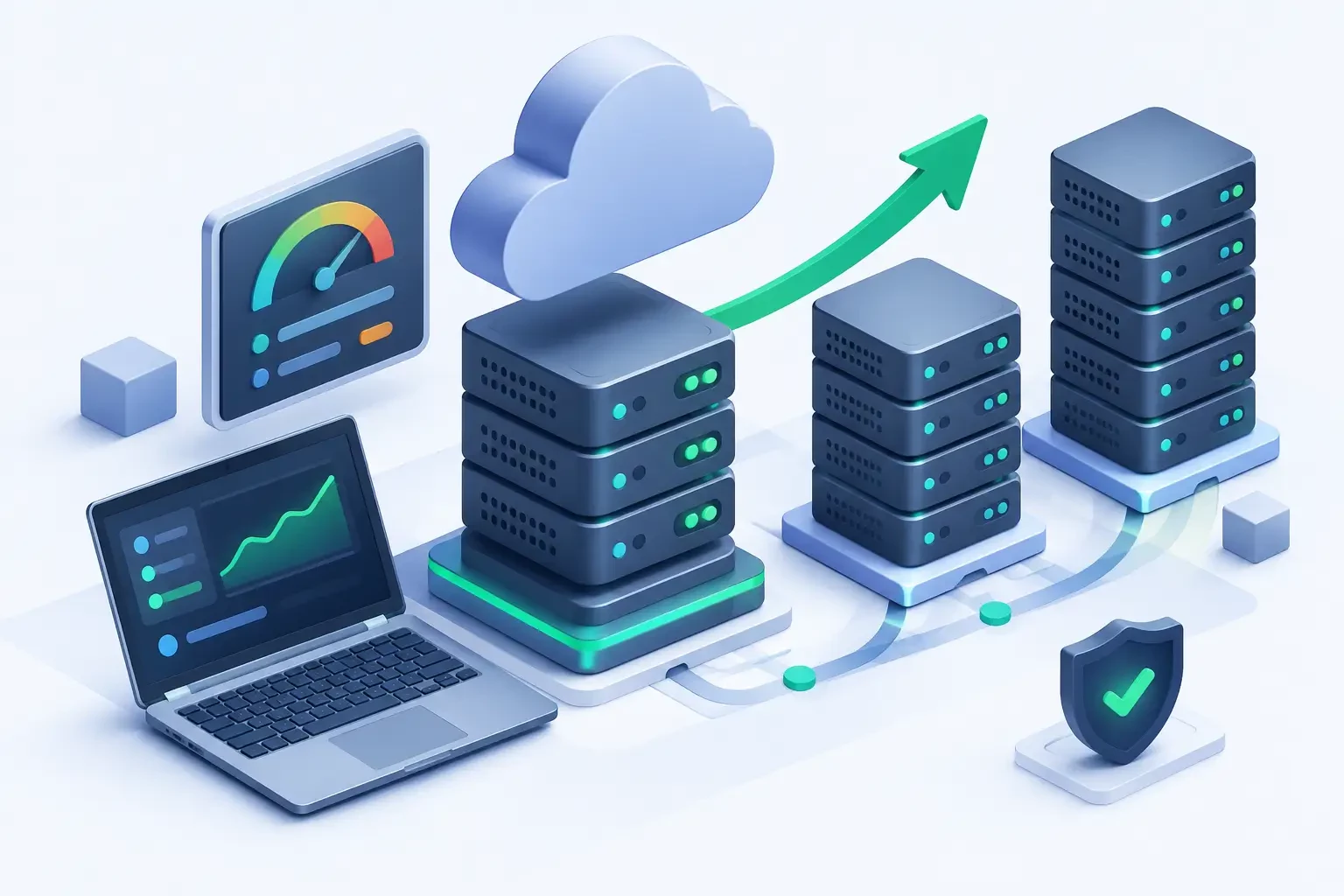
Start by measuring the basics: how many executions happen per day, which steps take the longest, where errors appear, and how much storage the data consumes. These indicators show whether the bottleneck is in the server, an external API, the database, or the workflow logic itself.
When volume increases, dividing responsibilities is usually better than simply adding resources without criteria. One process can receive data, another can process queues, and a third can handle notifications. This separation makes testing easier, reduces the impact of failures, and helps you scale only the component that really needs more capacity.
It is also worth setting practical alerts: high memory usage, low disk space, repeated integration failures, and excessive execution time. Waiting for a customer to notice that something has stopped is not a monitoring strategy.
HostMF offers VPS hosting for automation with n8n, SSD NVMe, unlimited traffic, immediate activation, and 24-hour technical support, a combination that is useful for anyone who needs workflows to stay available without depending on a local machine.
Where Automation Still Needs Human Decisions
The best automations reduce operational effort, but they should not automate sensitive decisions without clear criteria. Credit approval, price adjustments, data deletion, customer blocking, and responses in delicate situations require clear rules and, in many cases, human review.
The safest path is to automate what is predictable, record what happened, and create approval points for exceptions. This way, the team stops spending time copying information between screens and starts working where context, negotiation, and judgment make a difference.
A well-planned automation is not the one with the most integrations. It is the one that keeps working as demand grows, records what it does, and gives the business the freedom to evolve without turning every adjustment into an emergency.