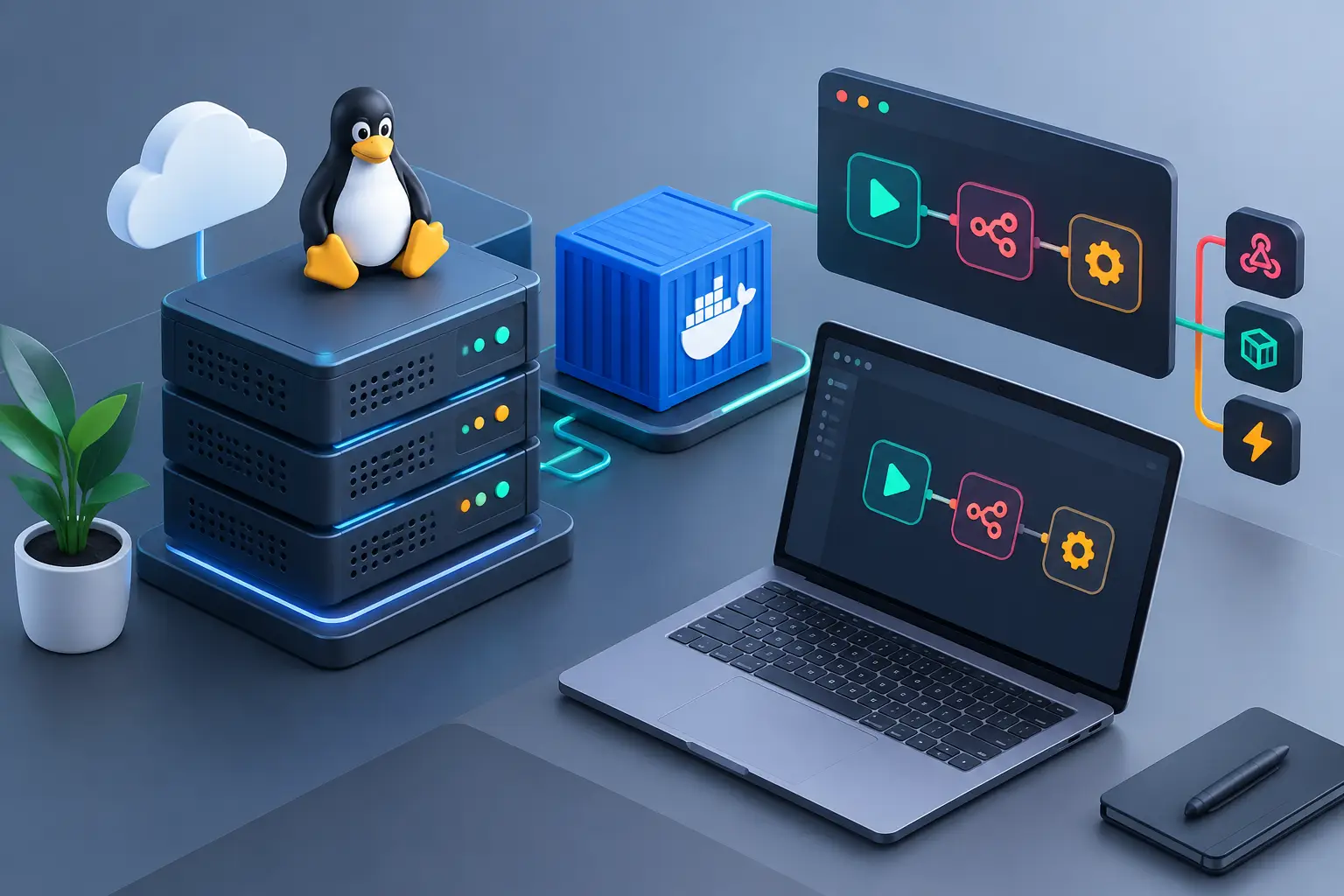
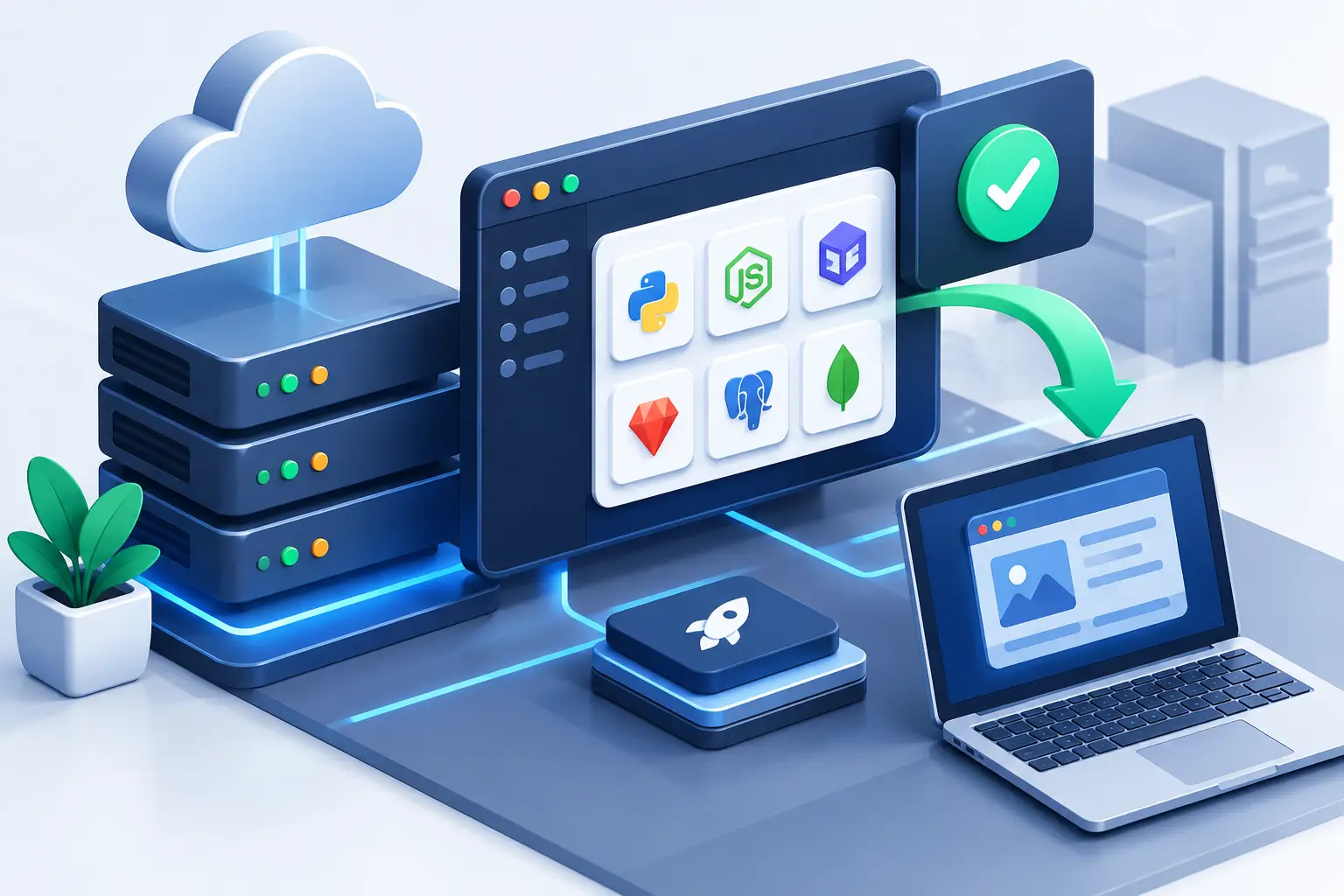
Getting an application online should not require hours of manually configuring services in the terminal. With an EasyPanel VPS, you get an interface to create projects, deploy with Docker, manage domains, databases and SSL certificates in one environment. It is a practical choice for developers, agencies and businesses that need to publish quickly without giving up control of their own server.
The panel reduces repetitive tasks, but it does not remove the need to plan resources, protect access and monitor server usage. The difference is that operational work is concentrated in a simpler screen, while you keep the freedom to adapt the infrastructure to your project.
What is a VPS with EasyPanel
EasyPanel is a management panel built for containerized applications. Instead of installing and maintaining each component separately, you use Docker to run isolated services on the same VPS. This makes it easier to publish projects in Node.js, PHP, Python, Ruby, Go and other languages, along with tools such as n8n, WordPress, databases, APIs, internal dashboards and custom systems.
In practice, the VPS provides dedicated CPU, RAM, storage and networking for your virtualized environment. EasyPanel organizes the deployment layer. You can connect a Git repository, define environment variables, choose a Docker image or deploy an application from a Dockerfile. Then you point a domain to it and enable SSL.
This model suits people who have moved away from shared hosting and are facing limits on processes, language versions, restricted server access or difficulty running applications that depend on additional services. It is also useful for those who already work with the command line but want to speed up their deployment and maintenance routine.
When an EasyPanel VPS makes sense
The panel is especially suited to projects with several parts: an API, a database, a frontend and a processing worker, for example. From a single interface, you can view services, check logs, restart containers and manage environment variables without searching for settings across many system files.
For an agency, this means creating separate environments for clients without mixing applications. For a freelance developer, it can mean less time lost on repeated configuration and more predictability in deployments. For a digital business, it allows hosting internal systems, landing pages, automations and platforms that need to stay available continuously.
However, there are scenarios where another option may be better. If you only need a simple WordPress business website, conventional hosting may cost less and require less maintenance. If your team uses a very specific Kubernetes architecture or complex corporate pipelines, EasyPanel may be just one part of the operation. The choice depends on the level of control you need and the responsibility you are willing to take on for the server.
How to choose VPS resources
The most common mistake is sizing the VPS based on the size of the website and forgetting the consumption of running processes. In EasyPanel, every application, database, cache and automation uses memory and CPU. A small project may run well on a lean initial configuration but grow quickly when there are queues, imports, simultaneous access or scheduled tasks.
Start by assessing how many services will be active. A standalone WordPress site has different needs than a Node.js application with PostgreSQL, Redis and n8n on the same server. Databases also require attention to storage, especially when there are many records, uploads or local backups.
NVMe SSD makes a difference when loading files, running database queries and performing read and write operations. Unlimited traffic helps avoid concerns about transfer quotas, but it does not replace an analysis of CPU, RAM and disk capacity. If the system grows, it is best to increase resources before the server reaches its limit and affects the user experience.
Location also matters. For applications aimed at the Brazilian public, a VPS in Brazil tends to reduce latency. For international users or integrations concentrated in another region, Canada or Europe may make more sense. There is no universally best location: there is the region closest to your audience and to the services your application accesses.
Initial setup without skipping steps
After purchasing and activating the VPS, the first priority is secure access. Use a strong password or, preferably, an SSH key. Update the operating system, restrict ports that will not be used and avoid using the root user for day-to-day tasks when an alternative exists. The panel simplifies publishing, but the security of the machine remains the responsibility of whoever administers it.
Install EasyPanel following the documentation for the version you choose and access the interface over a secure connection. Next, configure the main domain for the panel and issue the SSL certificate. It is also worth creating a valid administrative email address to receive notices about renewals, failures or environment alerts.
Before publishing your production application, create a test project. This simple step confirms whether DNS, ports, reverse proxy and certificates are responding as they should. It prevents discovering an incorrect configuration at the exact moment the system needs to go live.
Publishing an application
For a Git deployment, connect the repository, select the production branch and specify the build method. Some applications detect the technology automatically; others will need a Dockerfile or manually defined commands. The key point is making sure the startup command, the internal port and the dependencies are correct.
Environment variables deserve care. API keys, database passwords, tokens and production settings should not be stored in the source code. Register this data in the panel and keep different values for development, staging and production when necessary.
After deployment, monitor the logs. Dependency errors, database connection failures and missing variables usually show up there in the first few minutes. Fixing these issues before sharing the URL prevents downtime and reduces support time.
Databases, volumes and backups
Creating a database through the panel is quick, but persistent data requires an additional strategy. Containers can be recreated during updates and deployments. For this reason, databases, uploads and files generated by the application must be attached to persistent volumes or to suitable external storage.
A backup is not just exporting the database once a month. The ideal approach combines periodic copies of the database, important files and essential configurations. Even more important: test the restore. A backup that has never been restored may fail exactly when you need it most.
Also avoid concentrating all critical data on a single machine without redundancy. A VPS is excellent for autonomy and cost-effectiveness, but it does not replace a continuity policy. For projects that generate revenue or serve clients, keep copies outside the server and define who will be notified in case of failure.
Security and stability in operations
Anti-DDoS protection helps reduce the impact of volumetric attacks, but security works in layers. Keep the system and Docker images updated, use unique passwords, limit administrative access and remove services that are not in use. If there is a team, create individual accounts instead of sharing a single credential.
Monitor CPU, memory, disk and error logs. A continuous increase in consumption may indicate a memory leak, an inefficient query, a malicious bot or a poorly configured automated task. The panel makes it easier to view services, but the decision to optimize, restart or expand the VPS depends on the administrator's analysis.
Updates should be planned. For critical applications, test changes in a separate environment before applying them to production. This care is even more important for database updates, language version changes and Docker images, which can change behavior in unexpected ways.
EasyPanel or a traditional hosting panel?
cPanel and WHM are excellent for hosting websites, client accounts, email and reselling. EasyPanel addresses a different need: deploying modern container-based applications. It does not have to replace all of a company's panels. Many operations use cPanel for client websites and a VPS with EasyPanel for APIs, automations and systems that require their own dependencies.
HostMF offers Linux VPS with immediate activation, NVMe SSD, unlimited traffic and 24-hour technical support (available in English and Portuguese) for those who want to build this kind of environment with more freedom. The ideal plan is the one that supports your current consumption without preventing the project from expanding in the coming months.
A VPS with EasyPanel works best when treated as part of the business operation, not just as a place to publish code. Start with an organized structure, document your configurations and keep verifiable backups. That way, each new deployment stops being a race against time and becomes a predictable step in the growth of your application.