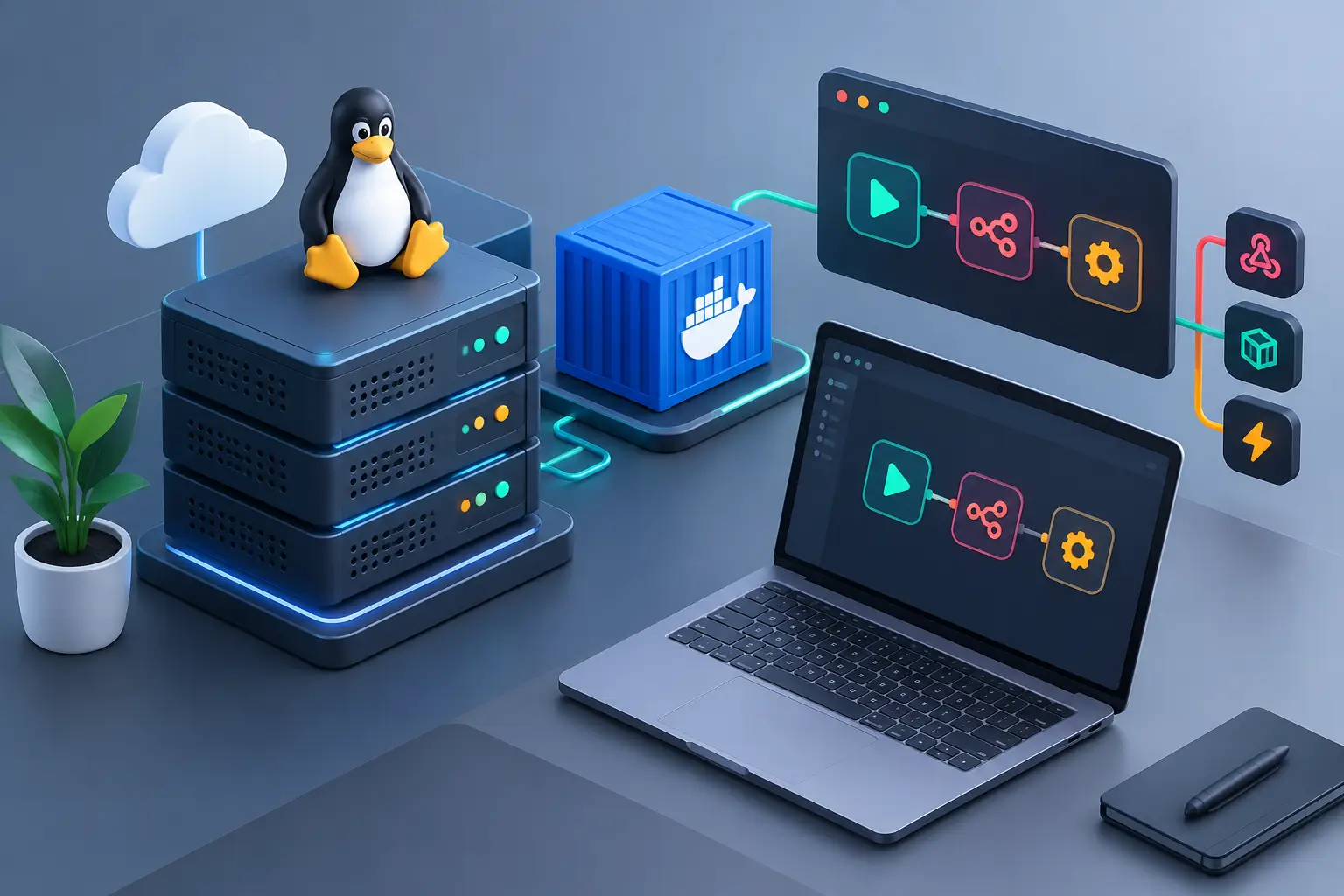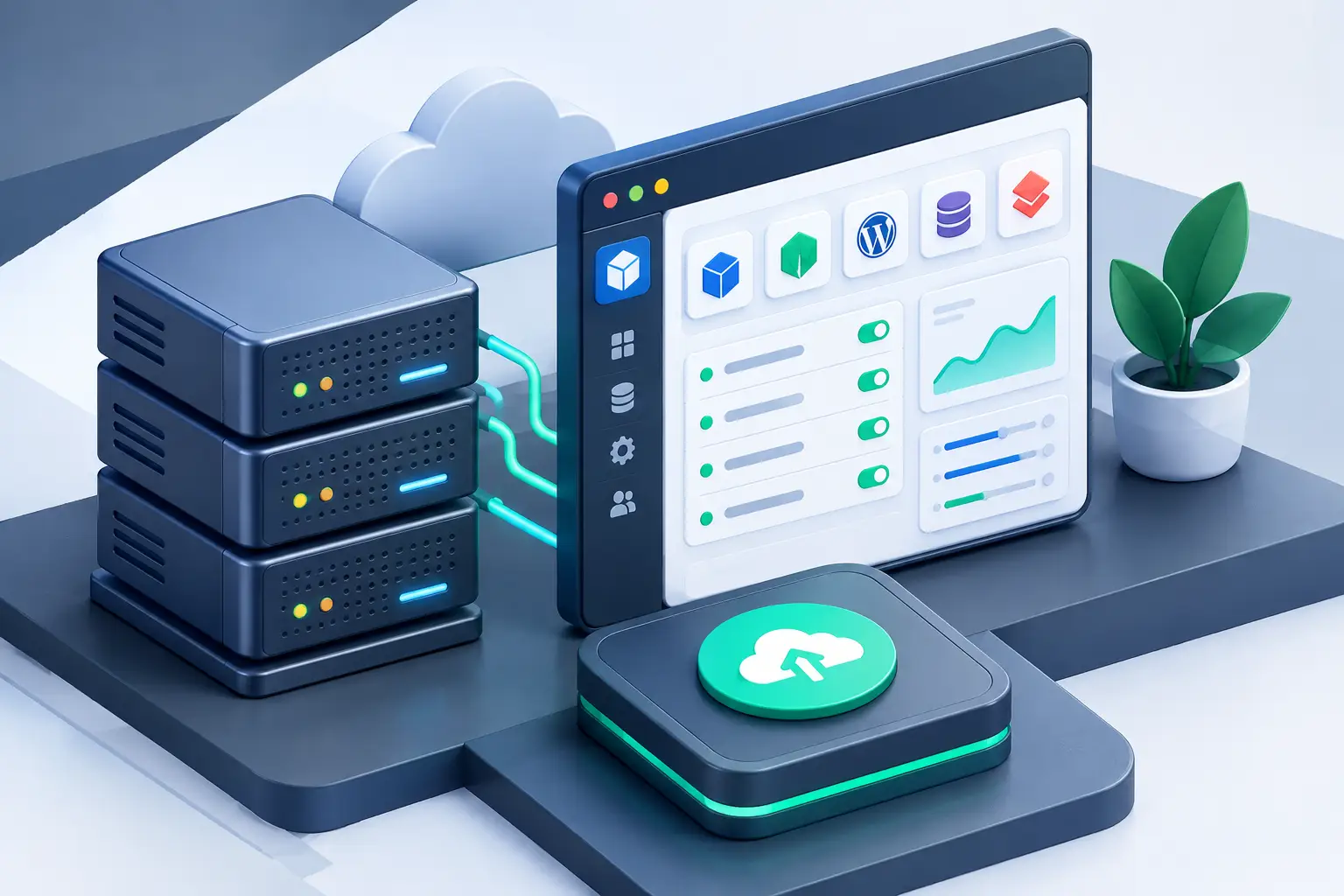
Publishing an application should not mean losing hours setting up dependencies, permissions and services manually in the terminal. Searches for easypanel vps have grown precisely because it combines the freedom of a virtual server with the visual control of a panel built for Docker deployment. For those who run websites, APIs, n8n automations, databases or their own systems, it is a more direct way to put projects into production.
EasyPanel reduces operational steps, but it does not eliminate the need to choose the right infrastructure. CPU, RAM, NVMe SSD, server location and security practices still determine whether the environment will be fast and reliable or whether it will hit its limits at the first traffic spike.
What an EasyPanel VPS delivers in practice
EasyPanel is a management panel focused on containerized applications. Instead of installing each component directly on the operating system, you create isolated services with Docker. This makes it easier to deploy projects in Node.js, PHP, Python, Laravel, WordPress, PostgreSQL, MySQL, Redis and other technologies common in web development.
On a VPS, you get dedicated resources and administrative access to the environment. The panel acts as a management layer: it lets you create applications, define environment variables, connect domains, check logs and configure persistent volumes through a visual interface. For people who already work in the terminal, it saves time. For beginners, it lowers the barrier to entry without completely hiding what is happening on the server.
The difference from shared hosting is significant. In conventional hosting, the provider sets limits on processes, language versions and background services. With a Linux VPS and EasyPanel, you choose the stack, define network rules and run applications that would not fit on a shared plan, such as queue workers, bots, private APIs and internal dashboards.
A panel does not replace the infrastructure
EasyPanel simplifies operations, but it does not add physical resources on its own. An application with high RAM consumption will still need more memory. A poorly configured database will still be slow, even on a well-organized deployment screen.
For this reason, the best results come from combining the panel, a suitable VPS plan and ongoing monitoring of resource usage. The panel helps you check logs and restart services, while monitoring CPU, memory, disk and network shows when it is time to optimize or upgrade the server.
When an EasyPanel VPS is the right choice
This model works very well for projects that need autonomy without requiring full-time server administration. A developer can publish staging and production environments on the same VPS, as long as the services are kept separate and resources are sized with a margin. An agency can host client applications with their own configurations, avoiding the limits of shared hosting.
It is also a good option for automations. Tools like n8n often require continuous execution, protected credentials and database access. In a containerized environment, you can keep the application, the database and supporting services organized, with volumes that preserve data even when a container is updated.
For a simple corporate website with low traffic and no need for custom processes, a traditional hosting plan may be more affordable and easier to maintain. A VPS is not automatically the best answer for every project. It is worth it when control, flexibility and isolation justify the added responsibility of managing the environment.
How to choose server resources
The first mistake when contracting a VPS is looking only at the monthly price. Cost matters, but a plan that is too limited can cause slowdowns, downtime and rework. The choice should be based on the services that will run together and the expected behavior of the application.
CPU, RAM and NVMe SSD
For a small application, a 2 GB VPS may work when there are few processes and a lightweight database. However, once you add the panel, containers, a database, cache and an automation worker, that margin shrinks quickly. For commercial applications, starting with resources that can handle traffic peaks is usually safer than constantly operating at the limit.
CPU affects responsiveness during processing, Docker image builds and simultaneous access. RAM is decisive for databases, caches and multiple containers. NVMe SSD speeds up file reads and writes, queries and service startup. You do not need the largest plan from the start, but it is advisable to choose a provider that lets you scale without lengthy migrations.
Reserve disk space for images, logs, temporary backups and database growth. A server that seems to have enough capacity on the day you sign up can fill up after image updates and log files without rotation.
Location and network
The VPS location should match the project's users and integrations. For an audience in Brazil, a server located in the country tends to reduce latency. For an application aimed at the European or Canadian market, a closer location may make more sense.
Unlimited traffic helps projects with variable access, but it does not replace evaluating network quality and protection against attacks. Anti-DDoS is especially useful for public services, client dashboards and applications exposed to the internet. It does not fix code flaws, but it reduces the impact of volumetric attacks on availability.
Initial setup that prevents problems later
After activating the VPS, the ideal step is to install or access EasyPanel and prepare the environment before the first deployment. Use strong passwords, disable access you will not use and keep the operating system up to date. If SSH access is available, prefer authentication keys instead of relying only on the root password.
Create one project per application or per client, depending on the organization you need. Then add environment variables without exposing them in the source code. API keys, database passwords and service tokens should stay in protected variables, not in public files or open repositories.
When connecting a domain, point the DNS to the VPS IP address and configure SSL for HTTPS access. Free certificates handle this layer for most projects, as long as the domain configuration is correct. It is also worth restricting ports: expose only what needs to be accessible, such as 80 and 443 for web applications. Databases, Redis and internal services should not be open to the entire internet unless necessary.
Persistence and backup are separate responsibilities
Containers make it easy to recreate applications, but persistent data requires attention. If a database is stored only inside a container, a poorly planned recreation can cause data loss. Use properly configured persistent volumes and test restoration before you need it in an emergency.
A backup is not just copying a file now and then. Set a frequency that matches the value of your data, keep copies outside the VPS when possible and confirm that the backup can actually be restored. For a store, a financial automation or a client system, this care is part of the operation, not an optional extra.
Best practices for keeping the environment stable
Before updating an application in production, test the new version in a separate environment or keep a copy of the previous configuration. EasyPanel makes deployment simpler, but an image with a broken dependency can still interrupt the service.
Monitor logs when something behaves unexpectedly. Memory errors, database connection failures and missing variables usually appear there before they become a bigger outage. Also set up external alerts or a regular check for critical services, because discovering that an application has stopped only when a client complains costs more.
Avoid putting many unrelated projects on the same VPS just because the panel makes it easy to create containers. Each application consumes resources and increases the maintenance surface. Separating critical environments, especially databases and client systems, can bring more predictability and security.
HostMF offers Linux VPS with immediate activation, NVMe SSD, unlimited traffic, Anti-DDoS protection and 24-hour technical support available in English and Portuguese. These features help you build this environment with more predictability from the first deployment.
The control your project needs, without unnecessary complexity
An EasyPanel VPS is a good fit for anyone who wants to publish and manage applications with more freedom than shared hosting offers, without turning every adjustment into a long sequence of commands. The right choice depends on the project's resource consumption, the experience of whoever manages it and how critical the data is.
Start with an organized structure, keep a resource margin and treat security and backup as part of the deployment. That way, the panel stops being just a screen for launching containers and becomes support for a faster, more stable operation that is ready to grow.