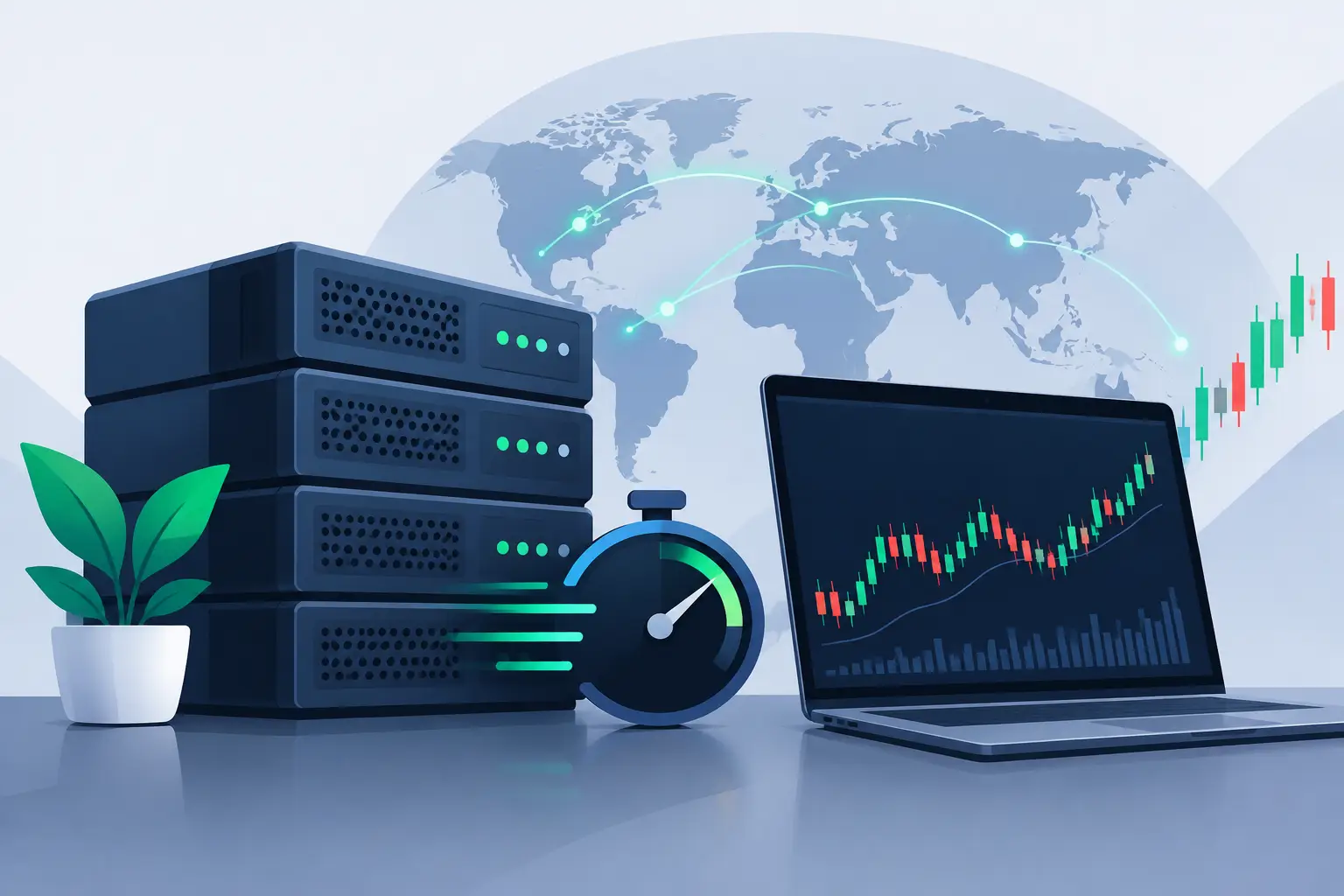
A well-planned order can lose efficiency when the platform takes too long to send or receive an update from the broker. For traders who trade manually, use bots or run automated strategies, a low-latency Forex VPS reduces dependence on your local computer and keeps the trading environment available throughout the entire trading session.
Latency is not the only factor that affects the result of a trade. Spread, liquidity, the broker's execution type and volatility also matter. Even so, hosting MetaTrader on a server close to the broker's infrastructure can eliminate delays caused by an unstable home connection, power outages, computer restarts and route fluctuations.
What low latency means in Forex
Latency is the time it takes for data to leave your terminal, reach the broker's server and return with a response. It is usually measured in milliseconds, or ms. The lower this time, the smaller the delay tends to be between the action executed in MetaTrader and the communication with the broker's server.
In practice, a connection with 5 ms does not guarantee profit, and a connection with 80 ms does not make a strategy unviable. The impact depends on your trading style. Position traders may not notice a meaningful difference. Scalpers, news traders and users of price-sensitive Expert Advisors can be affected by a few milliseconds, especially during periods of high volatility.
It is also worth separating latency from server performance. A VPS may have a good route to the broker and still be slow if it runs out of RAM, has an overloaded CPU or uses slow storage. The choice must consider both sides: network distance and the resources available to the platform.
Why use a low-latency Forex VPS
The most visible benefit is keeping your terminal running without leaving a personal computer on 24 hours a day. The VPS works like a remote desktop: you access Windows from your phone or computer, install MetaTrader, configure indicators, bots and alerts, and leave the platform running on the server.
This is especially useful for automated strategies. An EA does not need to depend on your home internet, on operating system updates at the wrong time or on a power outage. If the VPS is sized correctly and the infrastructure is stable, it keeps processing the configured rules even when you are offline.
There is also a question of consistency. Home networks can vary widely throughout the day, suffer packet loss or use inefficient routes to international servers. On a VPS located in a suitable region, the connection tends to be more predictable. For sensitive operations, stability often matters more than a high internet speed shown in a local test.
VPS location makes a difference
The ideal location is not necessarily the city where the trader lives. The main point is to find out where the broker's trading server is located or which region offers the lowest ping to it.
If the broker uses infrastructure in Europe, a European VPS may provide a shorter route than a server in Brazil. For brokers with servers in North America, a VPS in Canada can be an interesting option. An operation focused on a platform, service or broker hosted in Brazil may benefit from a local location.
Before you buy, check the server name provided by the broker and run ping or connection tests when possible. Some traders also install the terminal on a temporary trial server to observe the time shown inside MetaTrader itself. This test is more useful than choosing a location based only on the country or a generic promise of speed.
Lowest ping is not everything
Geographic proximity helps, but the network route also matters. Two data centers in the same country can produce different results for the same broker. In addition, the broker may have access, liquidity and execution servers distributed across different regions.
For this reason, look for low latency with stability. A low ping that constantly fluctuates, along with packet loss, can hurt more than a connection with a few extra milliseconds and consistent behavior.
How to choose a server for MetaTrader
For a single MetaTrader instance with a few charts and no heavy bots, an entry-level Windows VPS can work well. However, each indicator, open chart, EA, loaded history and additional terminal consumes resources. As the environment grows, a lack of CPU and RAM can freeze the platform, delay calculations and cause bots to malfunction.
When evaluating a plan, check the RAM, CPU cores, NVMe SSD storage and the ability to scale resources if your strategy evolves. An NVMe SSD speeds up system startup, file loading and the read and write operations performed by the platform. It does not replace a good network route, but it helps create a more responsive environment.
The operating system also deserves attention. MetaTrader is widely used on Windows, which makes a Windows VPS a direct choice for anyone who wants to install the platform and access it through Remote Desktop. More technical users may use Linux in some scenarios, but they need to consider compatibility, additional execution layers and support for the applications they use.
For traders who run several terminals, different accounts or more demanding bots, it is worth starting with a resource margin. Working at the limit may seem economical at first, but a server constantly at 90% or 100% usage does not offer the predictability needed for automated trading.
Practical setup for trading with more security
After purchasing the VPS, the process should be simple: access the remote server, update the system, install MetaTrader from the broker's official source and log in to the correct account. Then copy the necessary indicators or EAs and test the strategy before leaving it active on a live account.
Avoid setting everything up and assuming the bot will keep trading without supervision. Check whether automated trading is enabled, whether the EA shows as active on the chart and whether the option that allows trading is checked in the settings. Also confirm that the terminal reopens after a scheduled server restart.
A few simple precautions reduce operational risks:
- Use strong passwords for remote access and for the trading account.
- Enable two-factor authentication when the broker offers this feature.
- Do not install programs unrelated to trading on the same VPS.
- Monitor CPU, RAM and disk usage during periods of highest activity.
- Keep backups of your settings, templates and bot files.
The goal is to keep the environment predictable. The fewer unnecessary processes sharing resources with MetaTrader, the lower the chance that unexpected slowness will affect execution.
Protection and availability also count
An automated operation depends on availability. Anti-DDoS protection, infrastructure monitoring, sufficient traffic and technical support help reduce points of failure that are outside the trader's control. These resources do not change the logic of a strategy, but they protect the continuity of the environment where it runs.
HostMF offers Windows and Linux VPS in locations such as Brazil, Canada and Europe, which lets you choose a region closer to the broker's infrastructure. Instant activation, NVMe SSD, unlimited traffic and 24-hour support are also relevant points for anyone who needs to get a terminal running without lengthy processes.
Even so, you should treat the VPS as infrastructure, not as a guarantee of financial results. It can reduce technical delays and keep the platform online, but it does not fix a strategy without risk management, does not eliminate slippage during extreme events and does not change the execution conditions set by the broker.
When it is worth testing before migrating
If you trade only a few times a week and do not use automation, a VPS may not be an immediate priority. However, if your computer often shuts down, your internet frequently drops or you need to keep orders and bots active outside your usage hours, a remote server takes on a clearer role.
The best approach is to test in a controlled way. Compare the ping from your computer with the ping from the VPS, monitor resource usage and review MetaTrader logs over a few days. This way, the decision is no longer based only on technical specifications and instead considers how your trading actually behaves.
Choosing a good Forex VPS means creating a stable foundation for executing what you have already planned. Start with the broker's location, size the resources for the number of terminals you run and maintain a monitoring routine. This technical care frees up attention for what really matters: risk management, discipline and the quality of your trading decisions.