An automation that stops in the middle of an order, fails to send a message or breaks while updating a CRM is not just a technical problem. It affects sales, customer service and trust in the process. That is why choosing a VPS for n8n automation is a decision directly tied to business continuity.
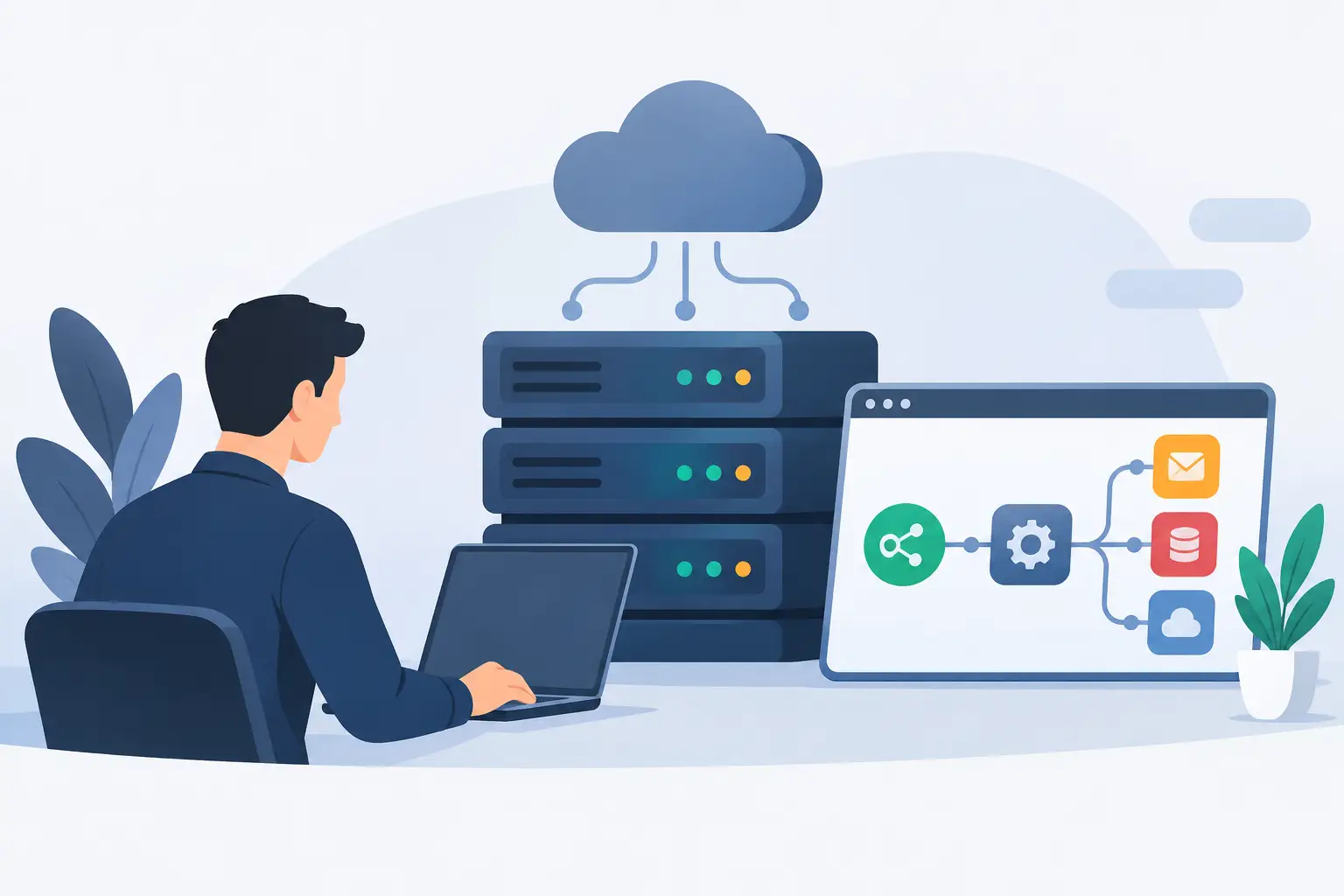
n8n lets you connect applications, APIs, databases, spreadsheets, marketing tools and customer service channels in custom workflows. But to run well 24 hours a day, it needs infrastructure with predictable resources, administrative access and availability. Shared hosting rarely offers this level of control.
Why use a VPS for n8n automation?
When you install n8n on a VPS, you stop depending on the limits common to ready-made platforms or shared services. You can define versions, configure environment variables, use your own database, create private integrations and adjust the server's capacity to the actual volume of executions.
This control makes a difference when workflows go beyond simple tasks. An agency can capture leads from forms, qualify contacts with its own rules, send data to the CRM and alert the sales team. A store can sync orders, inventory and notifications. A developer can centralize webhooks from several projects. In all these cases, automations need to remain available even outside business hours.
A VPS also provides an isolated environment. The resources you contract are dedicated to your application, without the common competition for CPU and memory found in shared hosting. This brings more stability to workflows that process files, run frequent queries or handle many webhooks at the same time.
What to evaluate in a VPS for n8n automation
There is no single configuration that fits every scenario. The right plan depends on the number of workflows, how often they run, the type of integrations and the volume of data processed. Even so, a few criteria should be evaluated before you sign up.
RAM and processing power
For early-stage environments with few workflows and low execution frequency, a VPS with basic resources can work well. However, integrations that handle images, large spreadsheets, files, extensive API responses or several simultaneous automations consume more memory and CPU.
The most common mistake is sizing the VPS based only on the number of workflows. A single workflow can require a lot of processing if it queries thousands of records or runs several steps in parallel. Monitor how executions behave and keep a margin for spikes, especially during campaigns, peak traffic hours or scheduled routines.
NVMe SSD and disk space
Storage affects the read and write speed of the system, the database and execution logs. A VPS with NVMe SSD helps reduce bottlenecks in frequent operations, especially when n8n stores history, temporary data or files received through webhooks.
The required space also varies. If the environment records many executions and keeps data for long periods, the disk can fill up without the problem being noticed at first. Define retention policies and delete data that does not need to stay available. History is useful for auditing, but keeping everything forever increases costs and operational risk.
Traffic and network
Automations connected to external applications depend on a stable network. Webhooks, API calls, file transfers and messaging integrations need good connectivity to avoid delays and timeout failures.
Plans with unlimited traffic remove a major concern for those who exchange large amounts of data. Still, unlimited traffic does not replace an efficient workflow design. Avoid unnecessary repeated queries, limit pagination and handle error responses so they do not create request loops.
Server location
If the users, systems and services you serve are in Brazil, a VPS located in Brazil can reduce latency for local access. This matters for internal dashboards, proprietary systems, nearby databases and applications that need to respond quickly to webhooks.
On the other hand, a VPS in Canada or Europe can make sense when most of the integrated infrastructure is in those regions. Do not choose a location based on price alone. Consider where your customers, critical APIs, database and the team managing the environment are located.
Linux, Docker and databases: a foundation that simplifies management
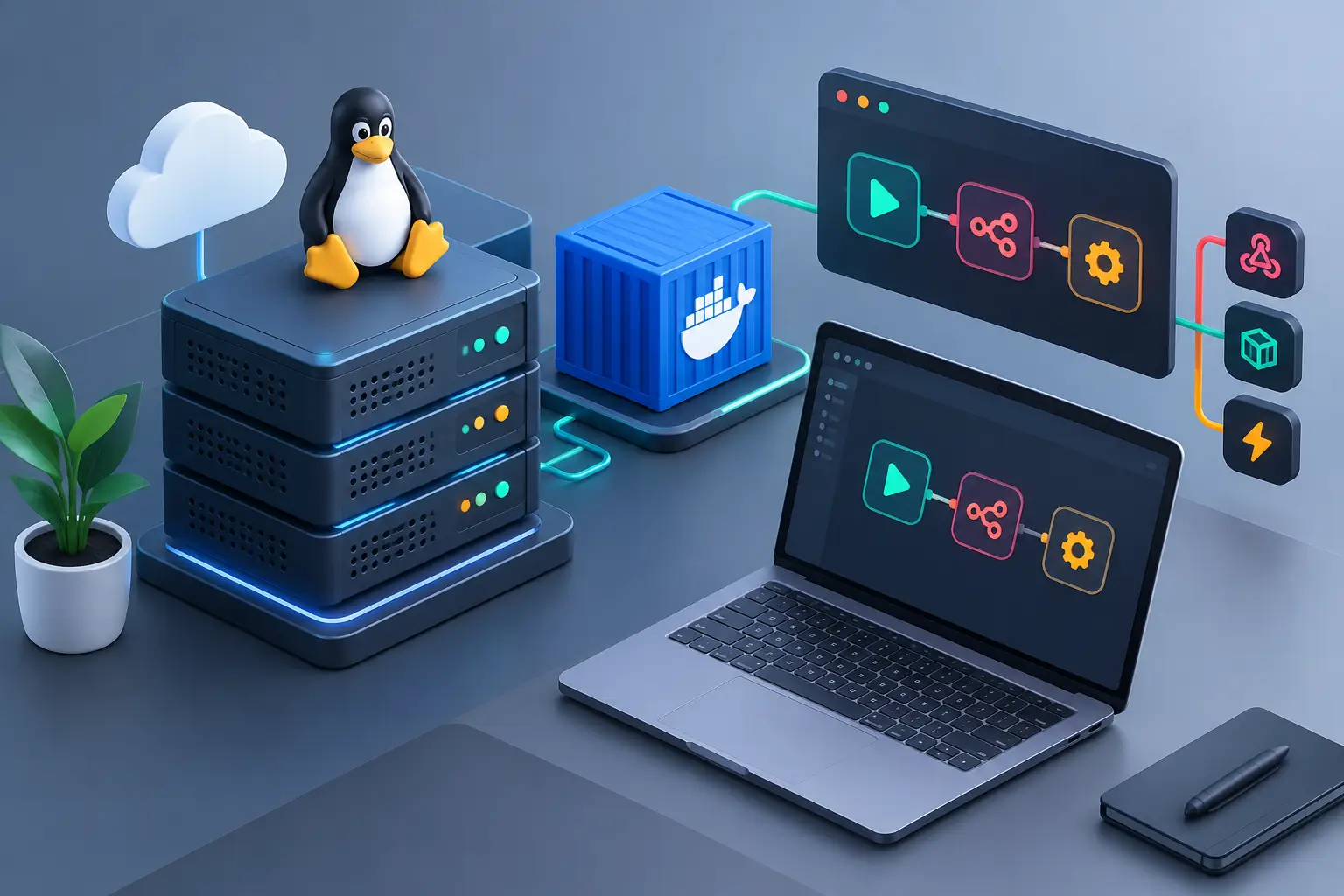
For most installations, a Linux VPS is the most practical choice for running n8n. Distributions such as Ubuntu offer broad documentation support, command-line tools and container environments. Docker simplifies installation, updates and service organization.
For small projects, n8n can start with a simple setup. As the operation grows, it is worth using PostgreSQL as the database and separating services in an organized way. This structure makes backups easier, improves predictability and reduces the risk of losing important information during an update or restart.
Using Docker does not eliminate the need for administration. You still need to monitor disk usage, old images, logs and container restarts. The advantage is a more standardized environment that can be documented and reproduced if you need to migrate or restore the service.
For those who prefer managing applications through an interface, deployment panels such as EasyPanel or Coolify can help. They do not replace technical knowledge, but they reduce deployment time and make tasks like configuring domains, environment variables and containers easier.
Security cannot be left out of the workflow
n8n typically stores credentials for connected services: email, CRM, payment gateways, databases and internal APIs. This makes protecting the VPS a priority from day one.
Start with strong passwords, SSH key-based access whenever possible and restricted open ports. Configure a firewall and keep the operating system, Docker and n8n up to date. It is also recommended to use HTTPS on your own domain, since many services require secure URLs for webhooks and authentication redirects.
Anti-DDoS protection is another relevant feature for reducing the impact of attacks aimed at your infrastructure. It does not fix application configuration errors, but it helps keep the server accessible during malicious traffic.
Avoid placing passwords and tokens directly in workflow nodes when a managed credential option is available. For more critical projects, separate test and production environments. A change in a test workflow should not trigger real messages, alter customer data or trigger charges.
Backups and monitoring: the difference between a failure and a loss
A VPS gives you freedom, but that freedom requires operational routine. Backups should not be something you remember only after an accidental deletion, a disk failure or a failed update.
Make regular copies of the database, n8n configuration, environment variables and the files needed to rebuild the environment. Testing the restore is just as important as creating the backup. A saved file that cannot be restored does not solve an outage.
Monitoring also deserves attention. Track CPU, RAM and disk usage, service availability and recurring execution failures. Simple alerts help you act before a task queue builds up or the disk runs out of space.
Within n8n itself, create error-handling workflows. When an external API fails, the workflow can log the problem, retry within defined limits and notify the team in an internal channel. Automating failure detection prevents processes from silently stopping for days.
When is it time to upgrade your VPS?
An upgrade should be based on concrete signs, not just expectations. Constant slowness, restarts caused by lack of memory, execution queues, high CPU usage and rapid database growth indicate that the environment needs more resources or optimization.
Before expanding the plan, review your workflows. Sometimes a poorly configured query, an unlimited loop or excessive data retention is the main cause of resource usage. In other cases, the growth is legitimate and increasing RAM, CPU or storage is the right move.
For larger operations, you may also need to separate responsibilities: one VPS for n8n and another for the database or additional services. This decision adds complexity and cost, but it provides more control when automation volume becomes essential to the business.
A choice made so operations keep running
A VPS for n8n should not be evaluated only as a place to install an application. It is the foundation that keeps integrations, notifications, sales and internal processes running. Features such as NVMe SSD storage, unlimited traffic, Anti-DDoS protection and 24-hour technical support help reduce points of failure that cost time and money.
HostMF offers Linux and Windows VPS with immediate activation, location options and the freedom to configure the environment as your project requires. To get started, choose a setup that matches your current volume, document the installation and leave room to grow. A well-planned automation runs without drawing attention to itself, until the moment it keeps a critical task from being forgotten.