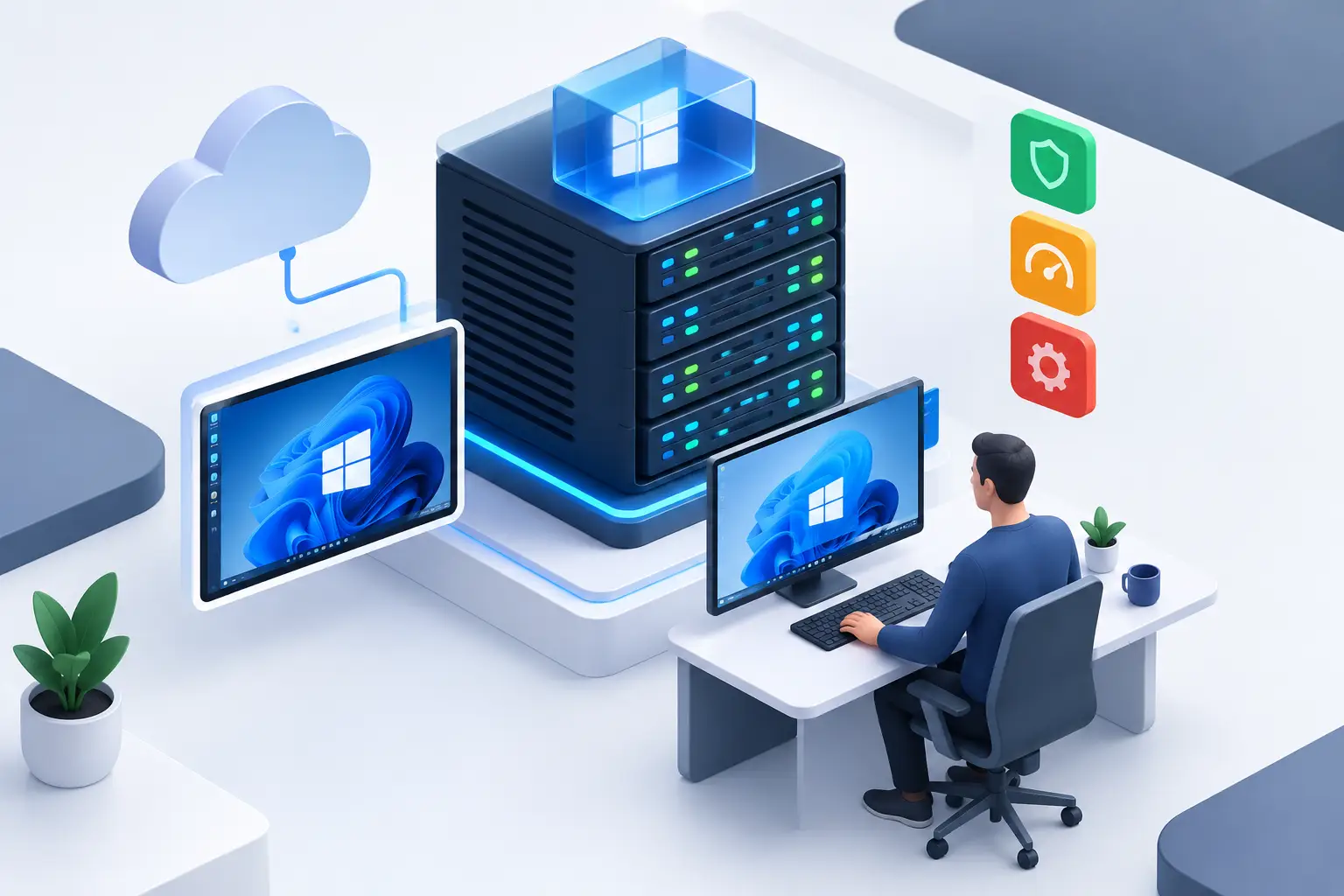
When your main computer shuts down, loses internet access or simply lacks the resources to run a critical system, work cannot stop. A Windows VPS for remote desktop solves this problem by providing an online virtual machine that you can access from anywhere through Windows Remote Desktop.
In practice, you get a dedicated Windows environment for installing applications, accessing files, running automations and keeping operations active 24 hours a day. It is a suitable option for remote professionals, companies, developers, agencies, traders and users who need more stability than a personal computer can offer.
What a Windows VPS for remote desktop is
A VPS, or Virtual Private Server, is an isolated part of a physical server with its own processing power, RAM, storage and operating system. When you contract a Windows version, you receive administrative access to a virtual machine ready to be used as an online computer.
Access normally happens through the RDP protocol, which is built into Windows. With the server's IP address, username and password, you can open a session from a laptop, desktop computer, tablet or phone. The screen shown is that of the VPS, but the programs run on the contracted infrastructure, not on the device you are using.
This changes the routine of anyone who depends on availability. A system can stay active even if there is a power outage at the office, a problem with the local computer or a need to work away from the company. The user accesses the same work environment, with the same applications and settings, from wherever they are.
When it makes sense to contract a Windows VPS
Remote desktop is not just a way to access a PC from a distance. It is a solution for centralizing tasks that require continuity, control and predictable performance. For a sales team, for example, it can be the environment where the ERP, spreadsheets and internal applications live. For an agency, it can be used to run management tools, file processing and licensed software.
Developers also use Windows VPS servers to test applications, maintain staging environments, automate tasks or keep integrations running. Instead of relying on a busy local machine, the server remains available continuously and can be managed through remote access.
In the financial market, the use is even more sensitive. Platforms such as MetaTrader, Profit Pro and Forex tools may require constant operation. In this case, the goal is to reduce interruptions caused by a turned-off computer, an unstable home internet connection or unexpected updates on the personal device. Even so, the choice of location and VPS resources should take into account the broker, the volume of trades and the indicators used.
There are also simpler cases: running Windows programs that do not work well on a Mac, providing technical support to clients, maintaining a virtual computer for professional use or separating work activities from the personal computer. The best plan depends on the real workload, not just on the number of people who will access the server.
How to choose a Windows VPS for remote desktop
The user experience depends mainly on CPU, RAM, storage and connection. A cheap server with few resources may work for light administrative tasks, but it can freeze when several applications are opened at the same time. Before contracting, map out which programs will be installed and how many users will access the server simultaneously.
RAM and processor determine smoothness
For browsing, the Office suite, management systems and individual use, an entry-level configuration can work well. However, heavy applications, multiple tabs, local databases, design tools, trading platforms with indicators or access by several users require more RAM and CPU.
RAM keeps programs available while you work. When it is insufficient, Windows starts using the disk as a substitute, which reduces speed. The processor influences the overall responsiveness of the system, especially with simultaneous tasks, file exports, automations and resource-intensive applications.
There is no single configuration for everyone. A professional accessing an ERP may have very different needs from a company with five connected employees or a trader with several platforms open. Starting with a plan that matches current demand, but that allows upgrades, avoids paying for too many resources or being limited early on.
NVMe SSD makes a difference in daily tasks
Storage is often underestimated. In a remote environment, read and write speed affects how fast Windows starts, how quickly applications open, how updates run and how files load. NVMe SSD delivers better performance than conventional disks and helps keep the environment more agile.
Beyond the disk technology, consider capacity. The operating system, applications, work files, backups and logs take up space over time. If the VPS is used only as a terminal for cloud systems, the need will be smaller. If it will store files, databases or projects, plan for room to grow.
Location affects latency
A VPS located in Brazil tends to offer lower latency for Brazilian users and systems. This can improve the response of the remote desktop and make it easier to access applications hosted in the country. For those operating international services, a location in Canada or Europe may make more sense, depending on where the users, the broker or the integrated services are.
Latency is not the only factor. The quality of the local connection, the network route and the application being used also play a role. For administrative tasks, a small difference may go unnoticed. For operations that depend on fast response, the choice of region should be made more carefully.
Security should not rely on the default password
A server exposed to the internet needs basic care from the first access. The initial password should be changed immediately to a long and unique combination. It is also recommended to limit who can access RDP, create separate users for each person and remove accounts that are no longer needed.
Keep Windows and applications updated, but schedule restarts for times that do not affect operations. For companies, a backup policy is essential: the VPS keeps the environment available, but it does not replace copies of important data. Critical files should exist in more than one location and have a restore routine that has been tested.
Anti-DDoS protection is also relevant for reducing the impact of denial-of-service attacks. It does not replace correct system configuration, but it contributes to the continuity of the infrastructure against malicious traffic. A firewall, antivirus software suited to your use and well-defined permissions complete a more appropriate security foundation.
Preparing the first remote access
After activation, you will receive the server's access details. On Windows, open the Remote Desktop Connection app, enter the VPS IP address and log in with the credentials sent to you. On macOS, Android and iOS, there are RDP-compatible apps to access the same environment.
In the first session, change the password, adjust the language, set the time zone and install only the programs you need. Fewer applications starting with Windows means lower resource consumption and more agility in daily use. If you plan to transfer files between the local computer and the VPS, enable this feature in the RDP client settings or use a secure method defined by your company.
For shared use, avoid distributing the same password to the whole team. Create individual users and define the access level for each one. This practice makes auditing easier, reduces risks and prevents a change made by one person from affecting the entire environment without being traceable.
What to consider before contracting
Price is important, but it should not be the only criterion. A VPS for remote desktop needs to offer resources suited to your use, enough traffic for your routine, fast storage and reliable operation. Immediate activation also matters when there is urgency to get a system running or replace a machine that has failed.
Check whether the provider clearly states the server location, the plan resources, the storage type and the support conditions. For those who do not want a long-term commitment, monthly plans give you the freedom to adjust the infrastructure as the project grows. Unlimited traffic can be useful for routines with frequent access, downloads, uploads and continuous integrations.
HostMF offers Windows VPS servers in different locations, with NVMe SSD, Anti-DDoS protection and technical support 24 hours a day. Before choosing a plan, describe your scenario to the support team: applications used, number of simultaneous accesses, file volume and location requirements. This information helps you avoid choosing a plan based only on price.
A well-configured remote desktop does not need to be complicated. With resources sized for your workload, protected access and a backup routine, it becomes a practical foundation for working, running systems and keeping activities online without depending on the computer on your desk.