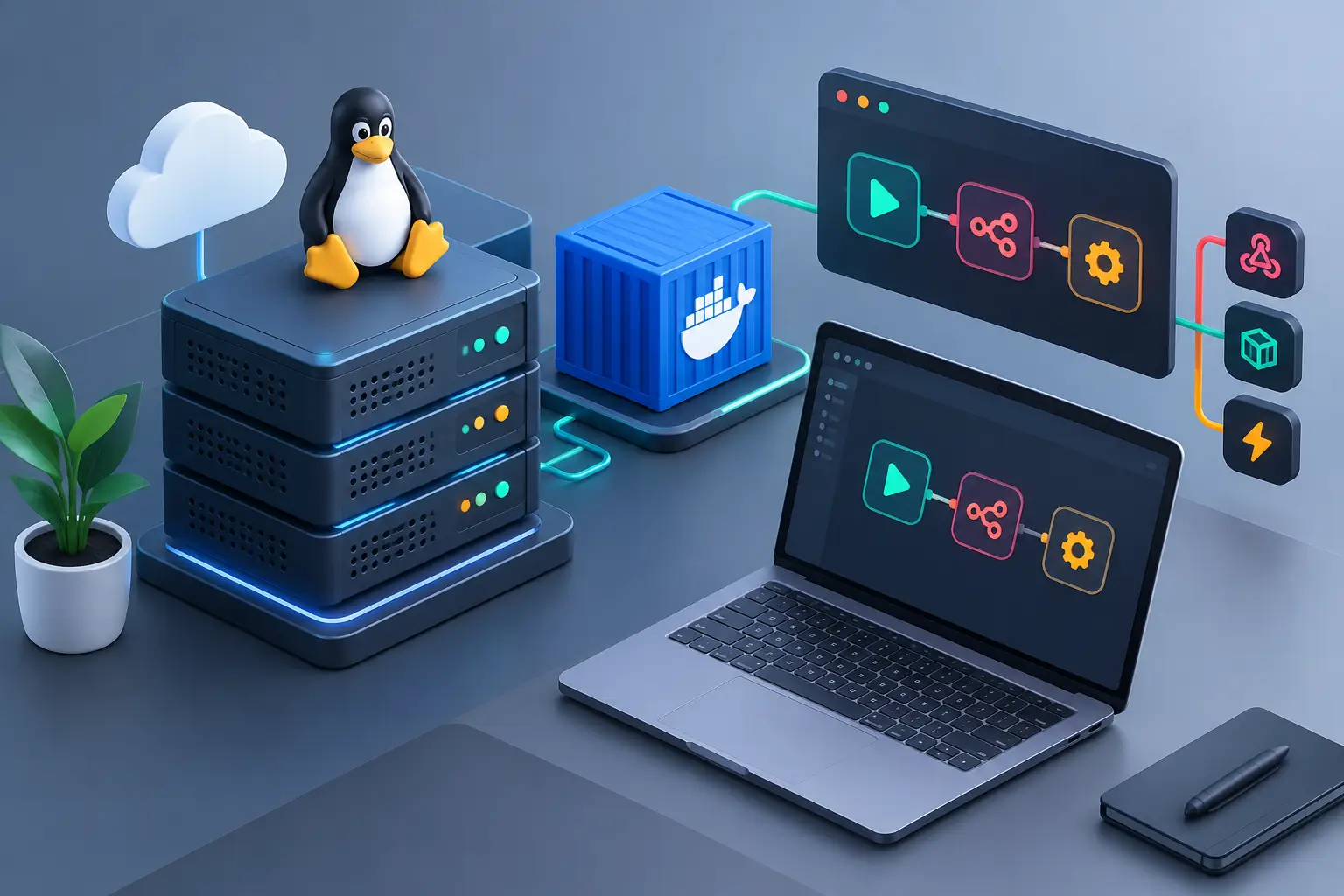
A project can work perfectly on your laptop and still fail on its first release for a simple reason: a local environment does not reproduce the real conditions of a server. When you set up a development server on a VPS, you create a stable space to test deployments, integrations, queues, databases and automations before moving them to production.
For developers, agencies and digital businesses, this means fewer urgent fixes, more control over versions and the freedom to use the stack you need. A Linux VPS with NVMe SSD, unlimited traffic and administrative access lets you build anything from a simple Node.js application to a set of services with Docker, a database, a reverse proxy and automation pipelines.
How to Set Up a Development Server on a VPS
The first step is to define the purpose of the environment. A development server can be shared by a team, used as a staging environment or reserved for running internal tools. Each case changes the amount of memory, CPU, storage and access rules you need.
If the application has few visitors and uses only one API with a lightweight database, an entry-level VPS may be enough. Projects with containers, frequent builds, workers, n8n, Redis, Elasticsearch or several environments running in parallel need more RAM and processing cores. Choosing a plan based only on the lowest price often causes slowdowns exactly when the team needs to validate a delivery.
It also helps to choose the location based on who will access the server. A VPS in Brazil tends to offer lower latency for teams and customers in Brazil. For services aimed at another audience, a server location in Canada or Europe may make more sense. The main goal is to keep the infrastructure close to where your most frequent users are or to the integrations that are sensitive to delay.
Choose the Operating System and the Management Method
For most web projects, Ubuntu LTS or Debian are practical choices. Both have extensive documentation, predictable updates and compatibility with programming languages, databases and deployment tools. Leaner distributions can be interesting for those who already know Linux administration well, but they are not the best choice for learning while you keep delivering projects.
The next decision is whether to manage everything from the terminal or use a control panel. The terminal offers more flexibility and removes unnecessary layers. On the other hand, panels such as EasyPanel, aaPanel, CyberPanel or Coolify speed up creating applications, domains, databases and certificates. For an agency managing many projects, that time saving can be worth it. For an application with a specific architecture, Docker and manual configuration usually provide more predictability.
There is no single right answer. The best path is the option your team can maintain safely. A sophisticated environment without updates or internal documentation becomes an operational problem.
Secure Access from the Start
Once the VPS is active, connect to the server via SSH and install system updates. On distributions based on Ubuntu or Debian, the initial procedure usually includes:
```bash sudo apt update && sudo apt upgrade -y ```
Next, create your own administrative user and avoid working as root every day. The root user has full access to the server. A command typed by mistake or an exposed credential could compromise every project hosted on it.
Use SSH key authentication whenever possible, and disable password login after confirming that the key works. Then configure a firewall to open only the necessary ports. On a typical web application, you will usually need port 22 for SSH, port 80 for HTTP and port 443 for HTTPS. Databases, internal panels and queue services should not be open to the entire internet unless necessary.
The infrastructure's Anti-DDoS protection helps reduce the impact of malicious traffic, but it does not replace proper server configuration. Security works in layers: restricted access, updates, strong passwords, backups and monitoring.
Install Only the Components the Project Requires
It is common to install too many packages at the beginning and lose track of dependencies. Start with what the application actually uses. A PHP project may require Nginx or Apache, PHP-FPM, Composer and MariaDB or PostgreSQL. A Node.js API may need Node, PM2 or Docker, along with a separate database. In Python, it is recommended to create virtual environments to avoid conflicts between libraries.
Containers are a good option when the project depends on several runtime versions or auxiliary services. With Docker Compose, you describe the application and its dependencies in version-controlled files. This reduces differences between the developer's machine, the testing environment and the VPS.
Even so, Docker does not eliminate the need for planning. Containers consume memory, generate logs and need persistent volumes for important data. On a small VPS, running a database, cache, worker, frontend and observability tools at the same time can exhaust resources. Monitor CPU, RAM, disk and swap usage before blaming a failure on the code.
Build a Structure That Separates Testing from Production
The biggest mistake in development environments is treating the server as an extension of your personal computer. Organize directories, users and environment variables so that each project has clear boundaries. A simple structure can keep files in `/var/www/project-name`, logs in a defined location and persistent data in separate volumes or directories.
Never put passwords, API tokens or database keys directly in the Git repository. Use `.env` files with restricted permissions or the secrets mechanism of your control panel or deployment tool. Keep a variables template, such as `.env.example`, without confidential information. This way, another developer can prepare the project without receiving credentials through insecure channels.
If a production environment runs on the same server, the separation must be even stricter. Use different databases, different users and distinct domains or subdomains. Ideally, especially for applications that generate revenue or serve customers, keep development and production on separate VPSs. This costs more than putting everything on one machine, but it reduces the risk of a test consuming resources or deleting data from the live system.
Configure Domain, Proxy and HTTPS to Test Like an End User
Testing only by IP address does not reveal all the problems that can appear in real access. Set up a development subdomain, such as `dev.yourdomain.com`, and point it to the VPS. Then use Nginx or your chosen panel as a reverse proxy to forward traffic to the application.
This proxy lets you centralize HTTPS, compression, request limits and access rules. Free SSL certificates are essential even in staging, because many APIs, payment integrations, browsers and geolocation features require a secure connection. It is also a way to identify cookie, CORS and HTTPS redirect errors early.
For applications that should not be public, protect the subdomain with additional authentication, an allowlist of IP addresses or a VPN. The development environment does not need to appear in search engines or be available to any visitor.
Automate Deployment Without Losing Control
Copying files over FTP may work for a small static site, but it increases the chance of incomplete versions and forgotten files. A Git-based routine provides traceability: every change is tied to a commit, and the server receives a defined version of the project.
Deployment can be manual, triggered by a script or automated after approval on a specific branch. In every case, include predictable tasks: installing dependencies, running migrations when applicable, compiling assets, restarting the application process and checking a health route. Do not run destructive migrations automatically without review, especially when the environment holds data used by customers or the team.
Keep logs accessible. Application, proxy, database and operating system errors tell different parts of the story. When everything is logged in one place without identification, diagnosis takes longer. Define log retention so the disk does not fill up, and set up basic alerts for downtime, low disk space and abnormal memory consumption.
Plan Backup and Recovery Before You Need Them
Development does not mean disposable data. Staging databases may contain test records, integration settings and data needed to reproduce bugs. Back up databases, uploaded files and server configuration. Test the restore process at some point: a backup that has never been restored is only a promise.
The frequency depends on activity. For projects with daily changes, daily backups are usually the reasonable minimum. Before a major update, create an additional restore point. Keep copies outside the main server when the data matters, because a configuration failure, accidental deletion or compromise can affect files and backups stored on the same VPS.
At HostMF, a VPS activated quickly lets you start with an environment tailored to your needs, without the common limitations of shared hosting. You can choose Linux, a deployment panel or manual administration, depending on the level of control the project requires.
A well-configured development server does not need to be complex. It needs to be predictable: protected access, properly sized resources, repeatable deployments and a possible recovery when something goes wrong. Start with a simple structure, document your team's decisions and expand the infrastructure as the project shows a real need.