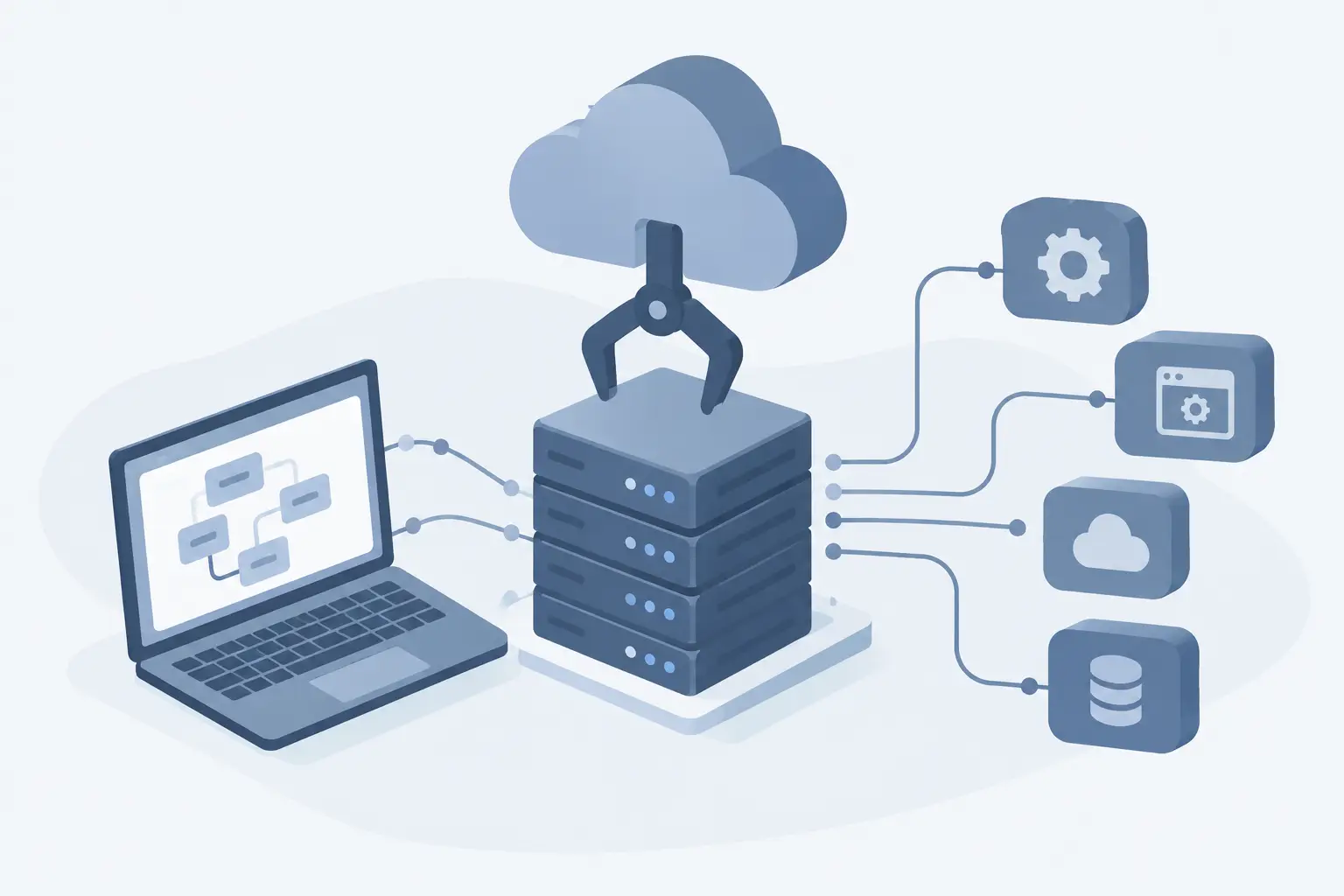
An automation only creates results while it is running. Keeping OpenClaw tied to your personal computer seems practical at first, but it has well-known limits: the machine can shut down, the internet connection can drop, and the process stops exactly when you need it most. Running OpenClaw on a VPS solves this with infrastructure available 24 hours a day, remote access, and the freedom to configure the environment as the project requires.
For those who use AI agents, API integrations, customer service routines, data collection, or development workflows, the decision is not just about putting software on a server. It is about turning an experimental task into a stable, monitorable operation that is ready to grow.
Why use OpenClaw on a VPS?
OpenClaw may require continuous execution, connections to external services, and secure storage of credentials. On a local machine, every restart, system update, or power fluctuation creates a possible interruption. On a Linux VPS, the environment stays online even when the user closes the laptop or is away from the office.
There is also a question of control. On shared hosting, you usually cannot install dependencies, open specific ports, keep background processes running, or use containers. A VPS gives you administrative access to the system, letting you define runtime versions, libraries, databases, reverse proxy, firewall rules, and backup routines.
This level of autonomy makes a difference once OpenClaw stops being a test. An agent that receives messages, processes files, queries a database, or triggers automations needs predictable resources. CPU, RAM, and storage should not compete with hundreds of accounts hosted in the same environment.
What to evaluate before installing
The first step is to confirm the requirements of the OpenClaw version you plan to use. Projects like this may depend on Node.js, Python, Docker, a database, queue services, or environment variables. Check the project's official documentation before choosing the Linux distribution, and prepare the server with compatible versions.
It is also worth separating development from production. In a test environment, it is common to change prompts, integrations, and permissions frequently. The production instance, however, should prioritize stability, organized logs, planned updates, and protected credentials. Mixing both scenarios on the same server may work for small projects, but it increases the risk that a change will interrupt an active automation.
Sizing depends on real usage. A lightweight installation with few workflows and low request volume can start with an economical configuration. If OpenClaw processes documents, runs additional containers, serves many users, or maintains multiple agents, RAM and CPU consumption grow quickly. NVMe SSD helps with loading files, records, and databases, but it does not replace enough memory to keep processes stable.
How to prepare the server for OpenClaw
The safest deployment starts with an updated Linux VPS. Distributions such as Ubuntu or Debian are usually practical choices because of their wide package availability and documentation. After initial access, update the system, create a non-root user for the application, and set up SSH key authentication whenever possible.
Next, install only the dependencies the project needs. If the deployment uses containers, Docker makes it easier to reproduce the environment and reduces conflicts between versions. For a direct installation, record the version of each component so you can restore or migrate the service later without guesswork.
Credentials deserve special attention. API tokens, AI service keys, database passwords, and integration data should not be exposed in public repositories or written directly into code. Use environment variables, configuration files with restricted permissions, and a clear policy for renewing keys.
To keep the process running, configure a service manager such as systemd, or an equivalent strategy inside containers. The goal is simple: if the process fails or the server restarts, OpenClaw should come back online automatically. Without this, a small failure can leave a routine stopped until someone notices.
External access and application protection
If OpenClaw provides a web interface or API endpoint, avoid exposing the application port directly to the internet unless necessary. A reverse proxy lets you centralize HTTPS, SSL certificates, access limits, and logs. It is also recommended to open only the indispensable ports on the firewall.
Not every automation needs to be public. In many cases, it is best to restrict the interface to a private network, VPN, or authorized IP addresses. This decision depends on the type of operation: a panel used only by your team has different requirements than a service that receives requests from customers.
Anti-DDoS protection is another relevant feature when there is public exposure. It does not fix flaws in code or leaked credentials, but it helps reduce the impact of malicious traffic against your infrastructure. Effective security is a combination of protected networking, updates, minimum permissions, and monitoring.
Monitoring prevents automations from failing silently
One of the traps of hosting agents and automations is assuming everything works because the server is on. The VPS can be online while the main process has crashed, an API has hit its usage limit, or the disk has run out of space due to logs.
Track CPU, RAM, storage, and traffic usage, but also monitor the application's behavior. Error logs, restart alerts, response times, and integration failures reveal problems before they affect users or sales. For critical tasks, a periodic check can confirm whether the workflow actually ran, not just whether the port is open.
Backups belong to the same routine. Copy configuration files, databases, container volumes, and data generated by the application. Testing the restore is as important as creating the backup. A saved file that cannot be recovered does not protect an operation.
When is a VPS not the best choice?
Using OpenClaw on a VPS makes the most sense when you need continuous availability and customization. For a quick test, learning, or an automation that runs occasionally on a computer the user is monitoring, a local machine may be enough. A VPS adds cost and requires basic management of the system, updates, and security.
Likewise, a single server may not be suitable for an application with very high traffic, strict redundancy requirements, or heavy local AI processing. In those cases, you may need to separate the database, application, and queues, add load balancing, or contract larger resources. Starting simple is valid, as long as the architecture allows growth without improvisation.
For most automation projects, a VPS is the efficient middle ground between shared hosting and complex cloud infrastructure. You keep technical control, pay for defined resources, and can upgrade the plan when demand justifies it.
Choose infrastructure that keeps up with your project
When contracting a server for this scenario, prioritize immediate activation, NVMe SSD, unlimited traffic, administrative access, and support that understands Linux environments. HostMF offers Linux VPS with resources for applications, automations, and custom stacks, plus Anti-DDoS protection and 24-hour technical support.
The best environment for OpenClaw is not necessarily the largest server available. It is the one that offers resources matching your workload, secure configuration, and room to evolve. With a well-planned installation, your automation stops depending on a running computer and starts working at the pace your business needs.