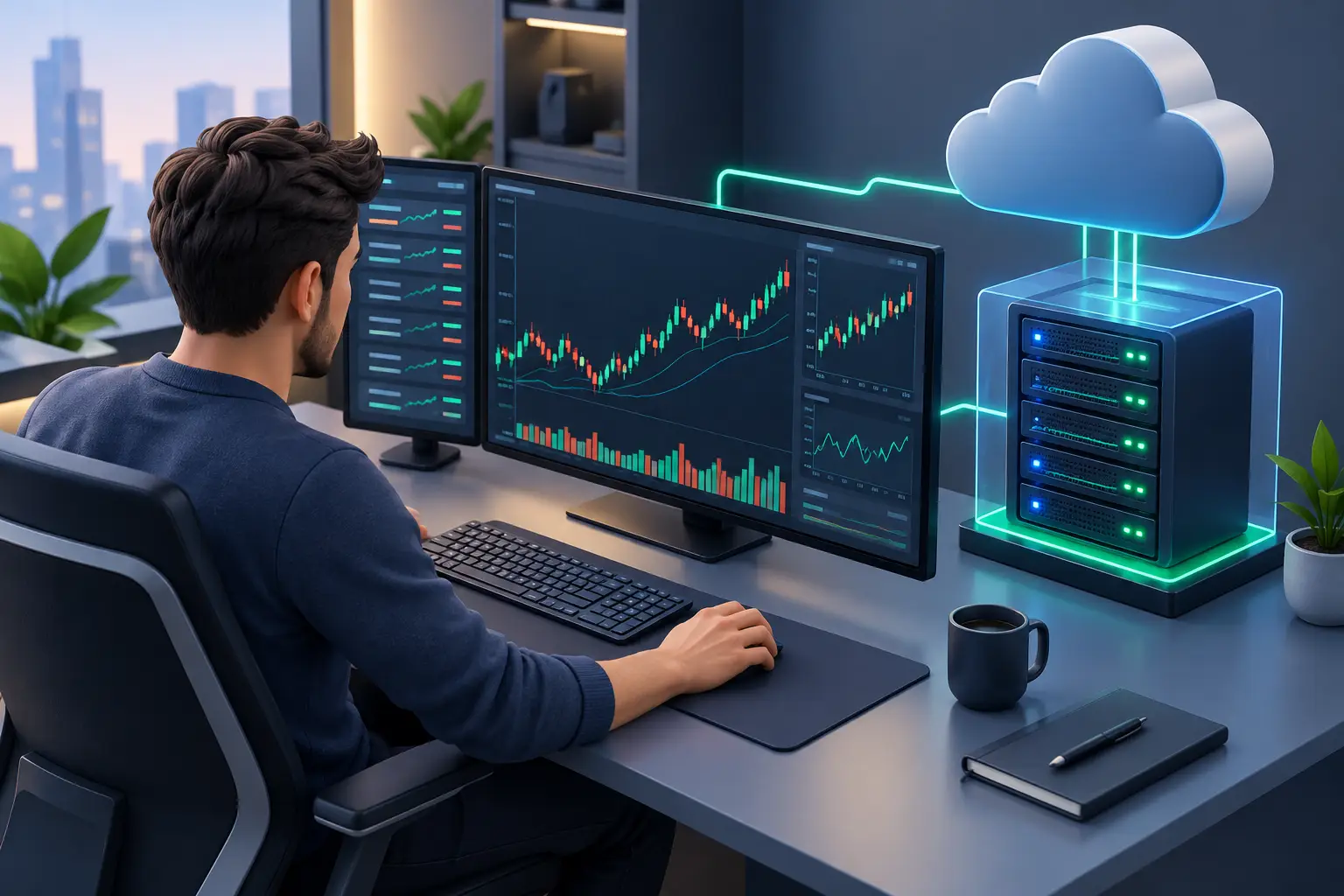
A power outage in the middle of a position, an unexpected computer update or an unstable home connection can interrupt a trade that depended on a few minutes. For the trader using a VPS, the idea is simple: keep the platform running on a remote server, available 24 hours a day, without depending on your personal computer staying on.
This does not turn a bad strategy into a profitable one, nor does it eliminate market risk. What a VPS solves is the operational side: continuity, remote access, running automations and a more predictable environment for MetaTrader, Profit Pro and other compatible platforms.
What changes for a trader using a VPS
A VPS is a virtual server with its own processing power, memory, storage and operating system. In practice, it works as a remote computer. The trader connects to this environment through Remote Desktop, installs the necessary platforms, configures indicators, robots and alerts, and keeps everything running even when the laptop screen is closed or the trader is away from home.
This model makes the most sense for people who trade frequently, use automations or do not want a local failure to stop their platform. Instead of leaving a PC on continuously, using electricity and relying on residential internet, the trading environment is hosted on infrastructure built for availability.
There is also a clear gain in mobility. If you need to check a position from your phone, another computer or while traveling, you can securely access the VPS and find the same configured environment. Charts, templates, files and platforms stay on the server, without constant transfers between devices.
When a VPS pays off for trading operations
A VPS is usually most advantageous when the strategy must run without pauses. A Forex robot on MetaTrader, for example, needs the platform to stay open and connected to the broker's server. If the local computer goes to sleep, restarts after an update or loses its connection, the Expert Advisor may stop sending and managing orders.
For those using Profit Pro, a VPS can be a useful option when remote access, operational stability and separation between the trading environment and the personal computer are needed. In this case, it is essential to check the requirements of the platform, the broker and the market data feeds before signing up. Some setups may require Windows, more RAM or a greater number of processor cores.
There are situations where a VPS is not a priority. An operator who places few manual trades, always from the same computer and during specific hours, may not notice a significant difference at first. Even so, a VPS can bring organization and protection against local interruptions, especially when the computer is also used for work, gaming, meetings or other resource-heavy tasks.
The decision should consider the cost of an interruption. If a connection failure can stop a robot, prevent a position from being closed or block a scheduled order, maintaining dedicated infrastructure stops being a convenience and becomes operational control.
Latency: what it really influences
Latency is the time it takes for data to travel from the VPS to the broker's server and back. In trading, it can influence how quickly an order is sent and confirmed. For this reason, traders working with execution-sensitive strategies look for a VPS located close to the broker's infrastructure or the exchange they use.
However, this point must be treated realistically. A low-latency VPS does not guarantee an execution price, does not eliminate slippage and does not correct limitations of the broker, liquidity or the strategy. It reduces one component of the path: the distance and quality of the connection between the environment where the platform is open and the destination of the order.
For trading on the Brazilian market through platforms linked to B3 (Brazil's stock exchange), a VPS in Brazil tends to be a logical choice. For Forex and brokers with servers abroad, it may make sense to evaluate a VPS in Canada or Europe, depending on the region specified by the broker itself. The ideal approach is to confirm the trading server address and test the ping within the platform before making a final decision.
Do not choose a location based only on the most well-known country or the lowest price. The best region is the one that fits your actual use, combines availability with an appropriate route and lets you monitor performance after setup.
How to choose resources without paying for excess
A VPS for trading does not need to start with an oversized configuration. For a single MetaTrader installation, a few charts and one or two lightweight robots, an entry-level plan with Windows, sufficient memory and NVMe SSD storage can work well. Fast storage helps with loading the system, histories and platform files, but RAM and CPU remain decisive when many assets or indicators are open.
Resource usage increases when the environment includes several accounts, multiple MetaTrader instances, robots with intensive calculations, backtests, heavy indicators or Profit Pro with large data volumes. In these scenarios, freezes and screen delays are signs that the plan needs more resources.
Before signing up, consider four points: the required operating system, the number of platforms that will stay open, the number of simultaneous charts and robots, and the volume of data processed. An oversized plan creates unnecessary cost; a plan that is too limited can compromise stability precisely when it matters most.
HostMF offers Windows and Linux VPS with instant activation, NVMe SSD, unlimited traffic and location options in Brazil, Canada and Europe. For trading platforms that depend on a graphical interface, the Windows VPS is usually the most direct option, since it allows access through remote desktop and installation of the applications traders normally use.
Initial setup: do it the right way
After receiving your access details, the first step is to log in to the VPS and update the operating system. Then install the platform directly from an official source or from the broker, log in to a test account and confirm that the connection to the server is stable. This test prevents discovering incompatibilities when a relevant trade is already in progress.
Next, transfer indicators, robots, templates and configuration files. In MetaTrader, verify whether the Expert Advisors are allowed to trade and whether the necessary permissions are enabled. Seeing an open chart is not enough: check the platform logs, watch for error messages and test the behavior on a demo account before putting an automation into production.
If you use Profit Pro or another platform that consumes real-time data, monitor CPU and memory usage during the trading session. A setup that seems sufficient may lose performance when many assets, studies or windows are open at the same time. Adjusting resources before an intensive routine is safer than fixing slowness during a trade.
It is also worth configuring automatic platform restarts after scheduled system updates, when this is compatible with your environment. The goal is not to leave the server unsupervised, but to reduce predictable points of failure.
Security and monitoring routine
The VPS centralizes your trading environment, so security must be part of your routine. Use a strong, unique password for remote access, change default credentials, keep the system updated and avoid installing unnecessary programs. If the platform and the broker offer two-factor authentication, enable it.
Do not share VPS access through messages, and do not store passwords in files visible on the desktop. For those who manage several accounts or work as a team, separating users and permissions reduces the risk of accidental changes to settings.
Monitoring also matters. Periodically check whether the platform is connected, whether the robots are still active and whether there are error messages. A VPS provides continuity, but it does not replace the trader's oversight. Broker outages, expired credentials, poorly configured risk rules and market changes still require human attention.
A VPS is infrastructure, not a promise of results
The main advantage of a VPS for trading is making your operation less dependent on the computer and internet connection at your home or office. This brings technical discipline to those who use automations, monitor positions remotely or need to keep platforms open for long periods.
Choose the location according to your broker, size resources based on the real workload and test everything in a controlled environment. When the infrastructure is no longer a daily concern, more attention is left for what should truly guide each trade: strategy, risk management and decision-making.