Install
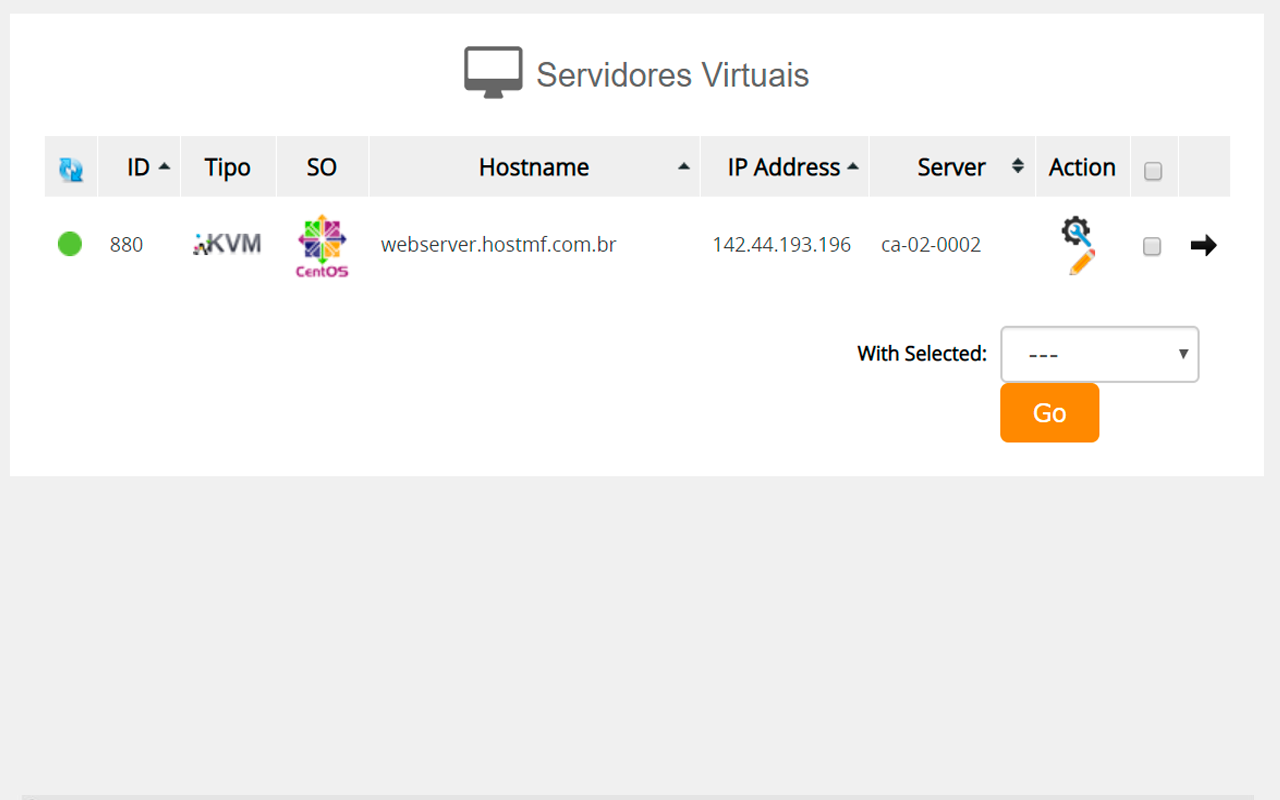
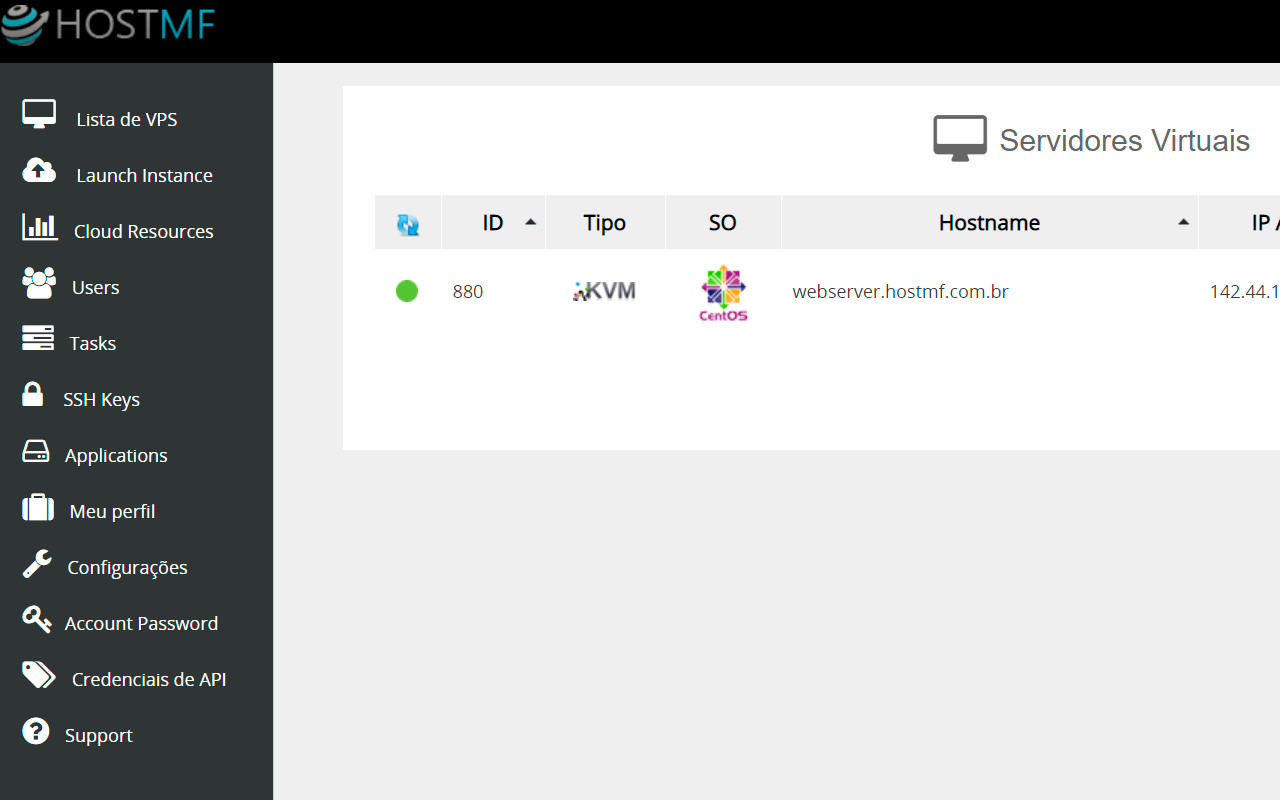
Build your Virtual Datacenter and resell VPS to your customers. The Virtual Datacenter is a VPS Reseller: with it you can create VPS servers without advanced technical knowledge of datacenter management.
Build and resell Windows and Linux VPS with the resources of your virtual datacenter.

When you order any plan, you can download the free WHMCS integration plugin.
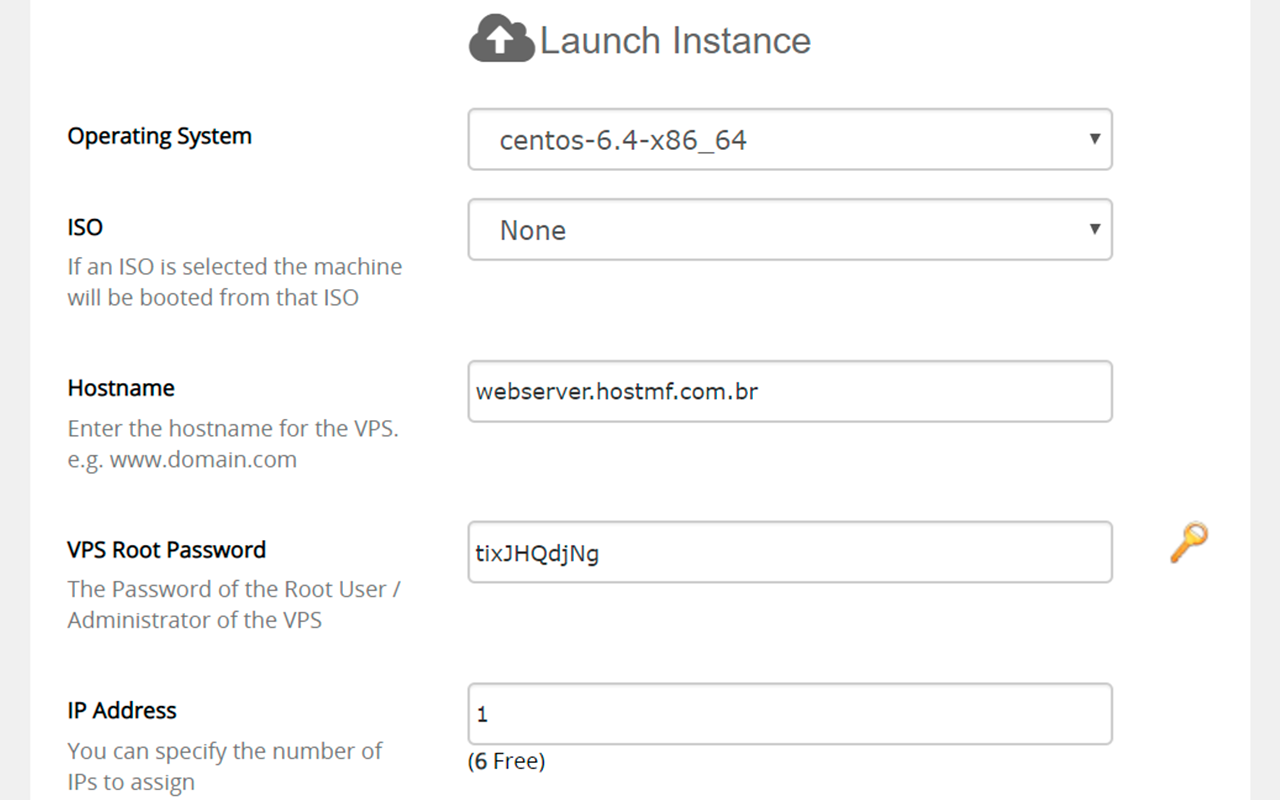
Windows and Linux images ready to install. Automate VPS delivery in your business.

All your VPS will have IPs protected against most DDoS attacks.
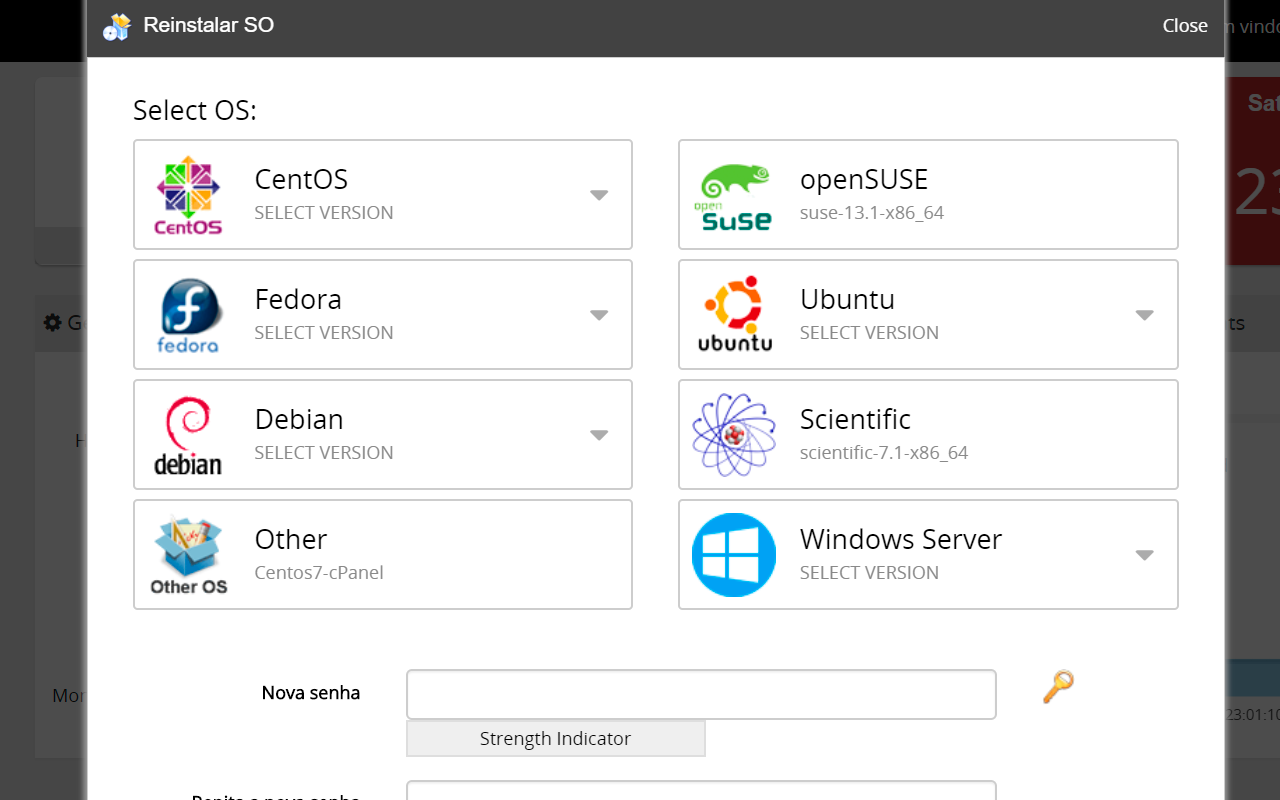
In our control panel, you and your customer can install, reinstall, reformat or switch operating systems with just one click.
You can switch operating systems in minutes, very easily, through our control panel!

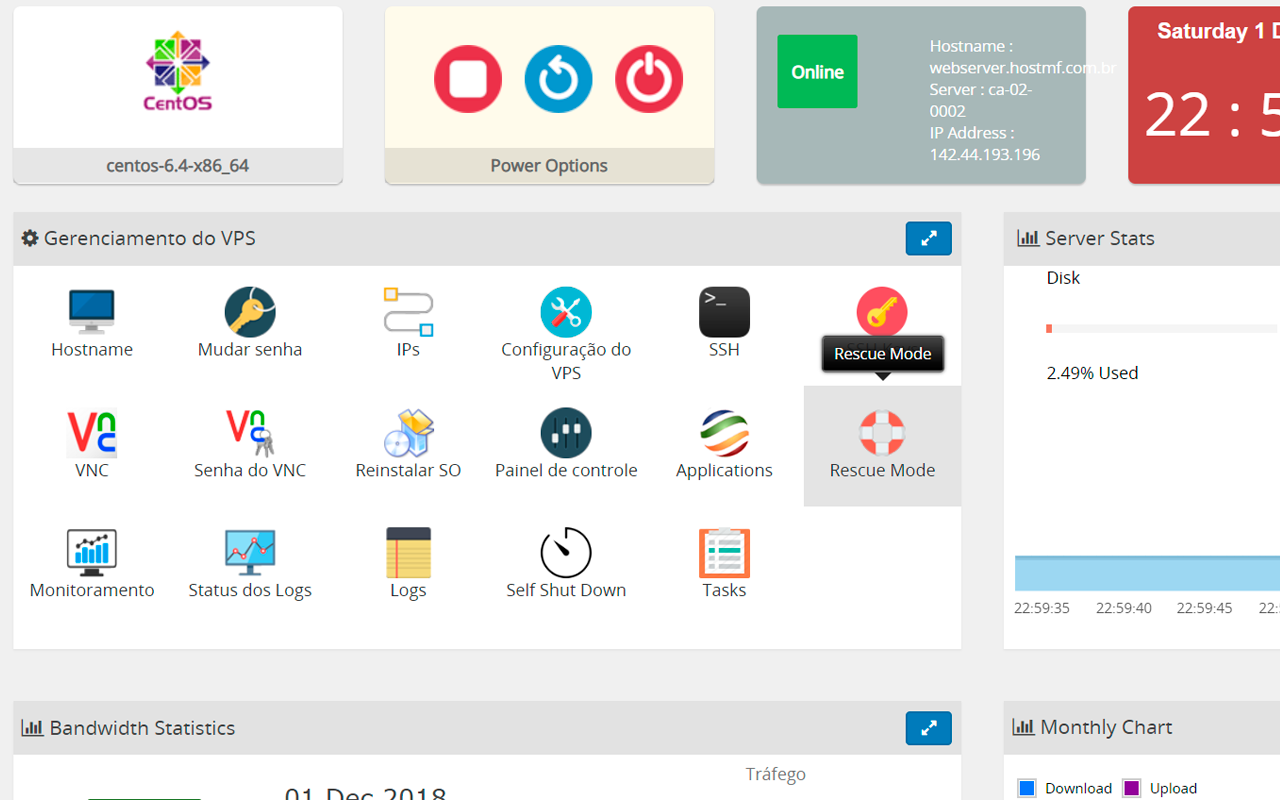
Your VPS control panel has everything you need! Do it yourself whatever you need, whenever you need.
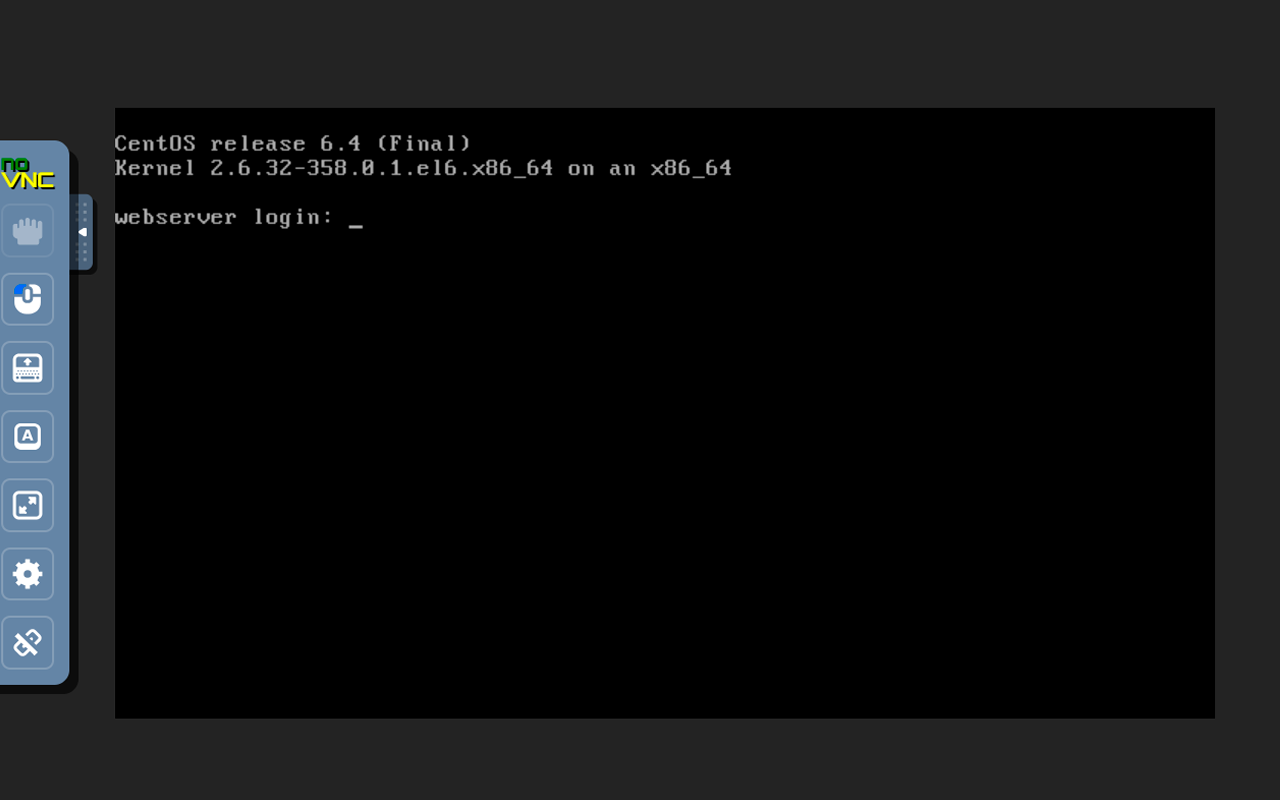
Easy to understand, practical to use. Restart, reinstall and change settings simply and quickly through the control panel.
You can maintain your VPS even when it is disconnected from the internet, all from your browser.
Install, reinstall, switch operating systems, or format your VPS. All in one click from the control panel.
Need more memory? More disk space? Or want to cut costs by reducing your VPS resources? You can do it all in just a few clicks.
Check the technical specifications of HostMF's VPS Reseller (Virtual Datacenter) service
See the most frequently asked questions!
The VPS reseller is located in Canada. For now, this is the only option available.
Yes. Each customer will have access to their own account, to manage their VPS.
If your VPS is KVM, yes. You can switch the operating system from Windows to Linux through the control panel by clicking OS Reinstall.
LXC VPS support only Linux, but they restart faster and are lighter. KVM VPS are more robust and support both Linux and Windows as the operating system.
Yes. In the control panel there is an "OS Reinstall" option. With it, your customer can reformat their VPS or switch operating systems as many times as needed.
Yes. You can start with a small VPS reseller plan and upgrade later. The VPS data is kept, nothing will be lost. The migration is also very fast and can be done directly from the control panel, in the "Upgrade/Downgrade" menu in the client area.
Yes, the VPS can easily be used as game server VPS.
If you are in doubt or need help choosing your plan, contact us via chat right now!