Install
Looking for a VPS in South America? Here you will find the best options on the market!
South America VPS are virtual servers that behave like dedicated servers in Brazil. That is, you will have remote access to a virtual environment where you can install any program or software you need to use. With the administrator access provided by HostMF, you will be able to perform any configuration or installation on your Windows VPS.
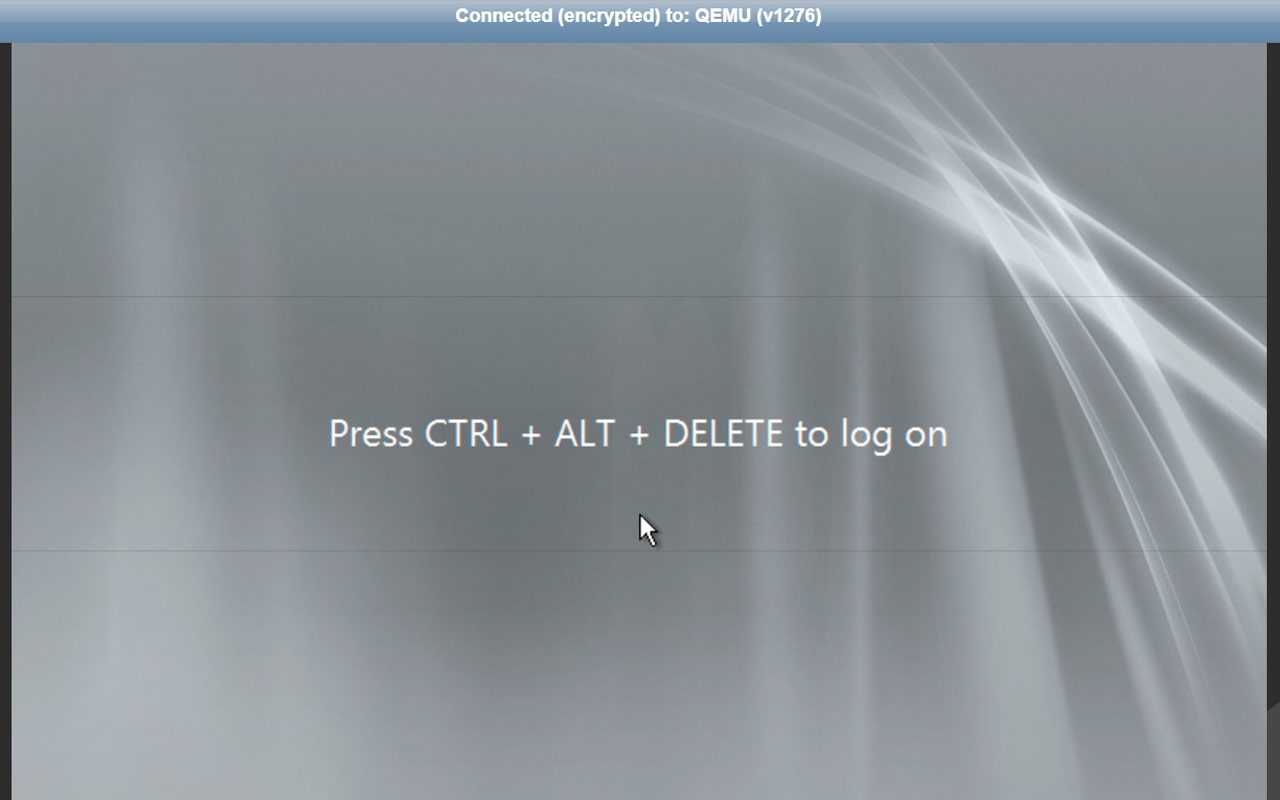
In addition, South America VPS are easier to manage, because the access can be made through KVM or Remote Desktop (or SSH Linux). In this way, South America Hosted VPS end up being a great option for those who do not have much experience with server configuration, such as Linux for example.
Windows VPS are servers hosted by us, on the Brazil, MG, where we provide remote access to you when you hire this service. We are responsible for keeping your server online at all times, 24/7.
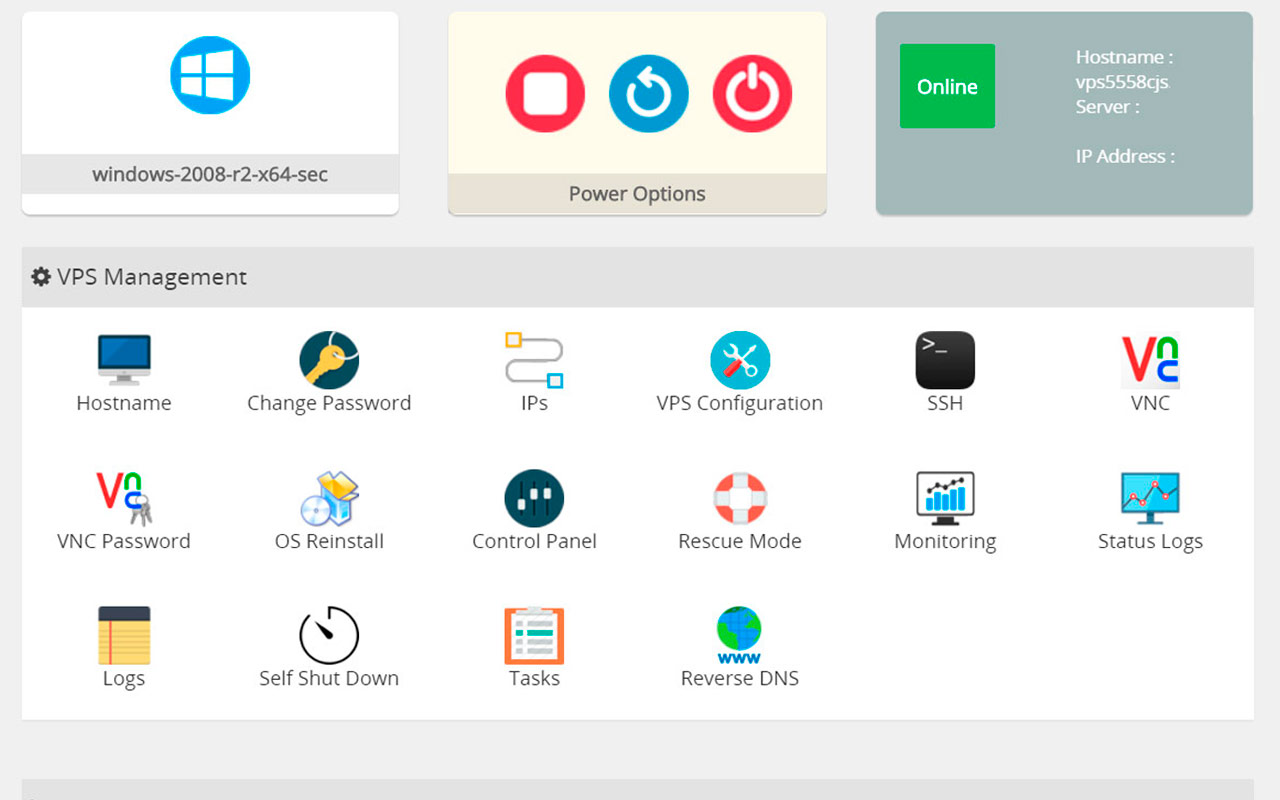
When contacting a VPS, we will send the access data to the server, as well as a tutorial on how to connect to it. In addition, you will have access to the server through the customer center, where you can perform operations on your Windows VPS, such as turning off, turning on or restarting, reinstalling or performing maintenance.
Fast access to Brazilian servers and all of South America, low ping for countries like Brazil, Argentina, China, etc.
HostMF has one of the best Windows VPS prices on the market, and the best, without losing quality! Our automatic machine management technology allows us to optimally deliver resources with the best possible quality.
Windows VPS storage uses NVMe SSD, the fastest on the market. This means the VPS will be super fast for read/write operations which is the main bottleneck in most Windows VPS systems.
You will get admin access, which is allowed to install any program and do any configuration on the VPS.
When hiring any South America VPS plan, you will have 24x7 support coverage in Portuguese, made by people and not chatbots!
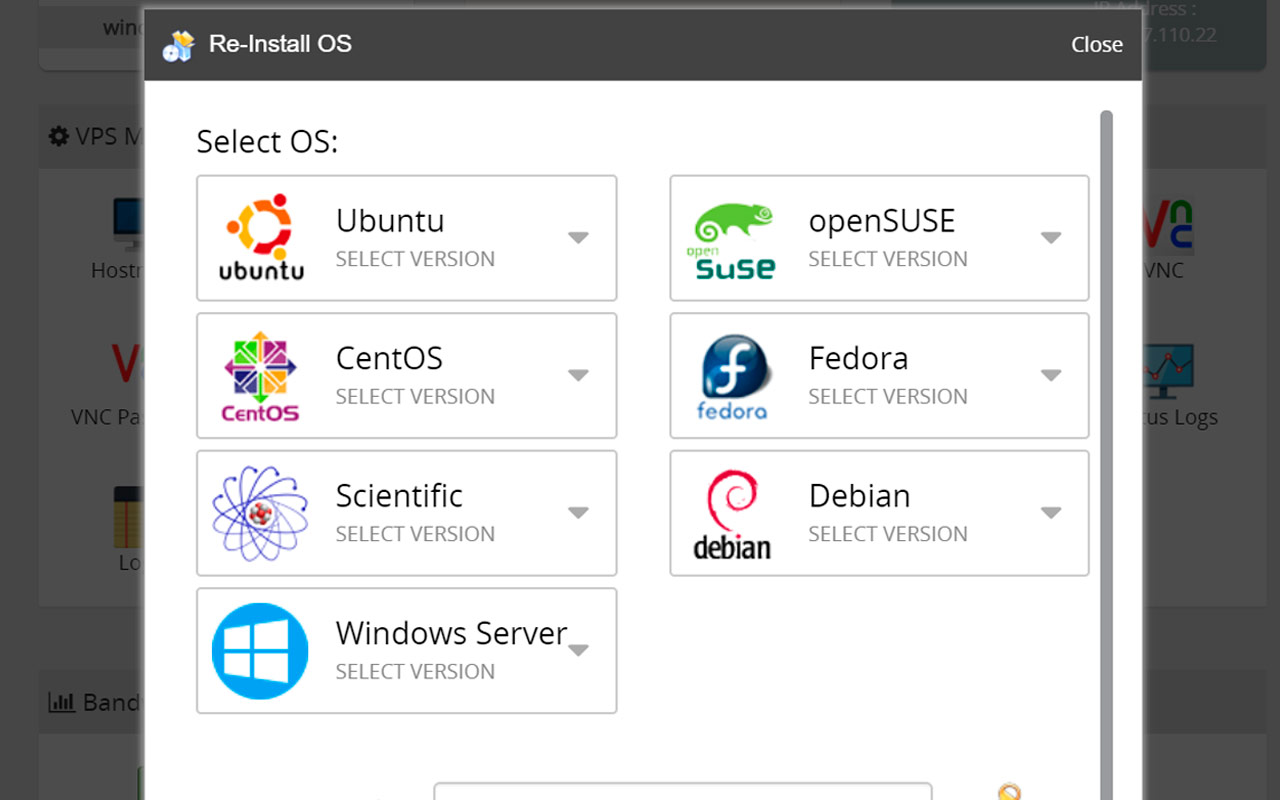
Explore our VPS plans, compatible with Windows and Linux. Flexibility, performance and security on servers optimized to meet your business needs. You can switch operating systems in just a few clicks, very easily, through our control panel!
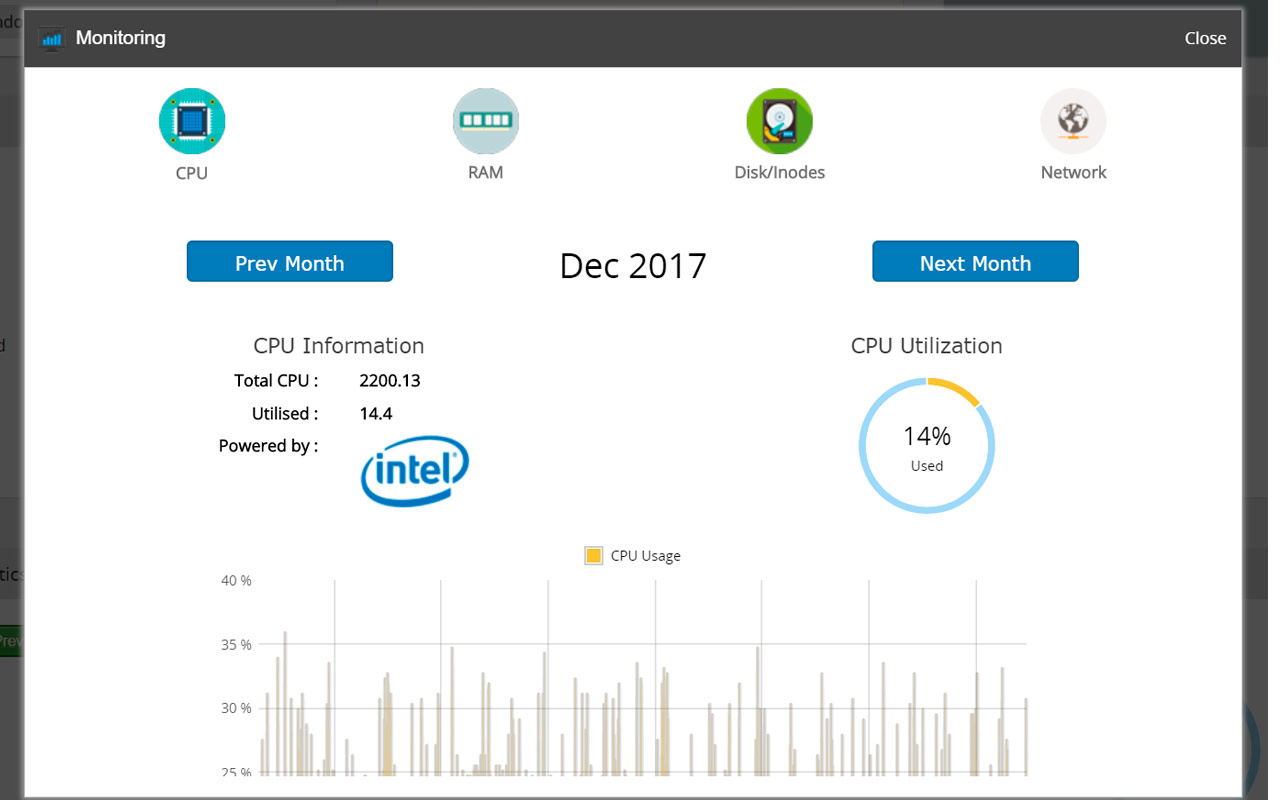
Your VPS control panel has everything you need! Do it yourself, whenever you need it.
Easy to understand, practical to use. Restart, reinstall and change settings simply and quickly through the control panel.
You can maintain your VPS even when it is disconnected from the internet, all from your browser.
Install, reinstall, switch operating systems, or format your VPS. All in one click from the control panel.
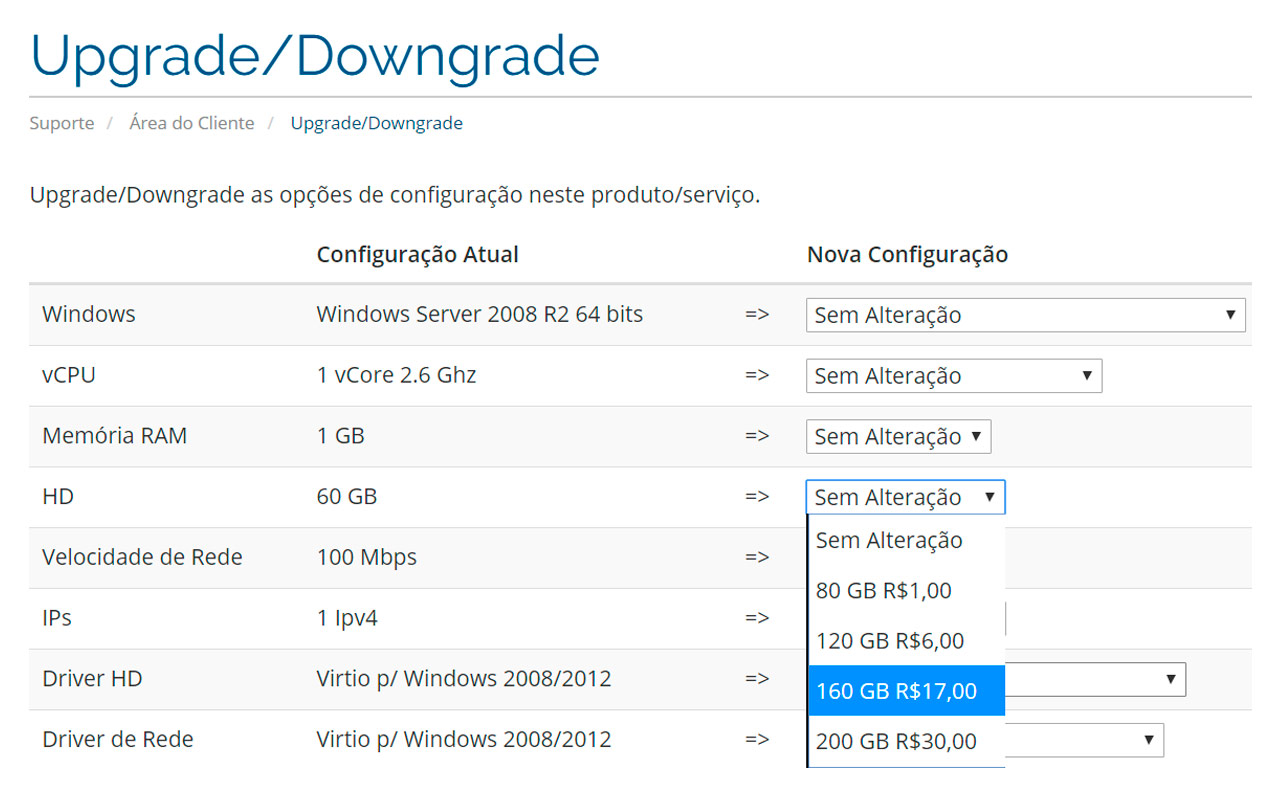
Need more memory? More disk space? Or want to cut costs by reducing your VPS resources? You can do it all in just a few clicks.
Check the technical specifications of HostMF's Windows VPS service
See which are the most frequent doubts!
VPS is a Virtual Private Server. These servers have their own operating systems, allowing the user to use them as a physical server. Windows VPS servers allocate part of the physical resources of the machine where it is hosted, in this way, one physical server can allocate multiple VPS. These Windows VPS are turned on 24/7 and are always connected to a public corporate network, with high data transfer capacity and good connection stability.
We have two options for VPS currently, in south america and also in north america.
Yup. You can change the operating system from Windows to Linux or from Windows to Windows through the control panel, it's very easy.
A Windows VPS is a computer you can access remotely, where you can install, configure, and/or publish content on the internet. We keep this computer online, and you have access to it 24 hours a day, 7 days a week. Even when you are disconnected, your Windows VPS stays online and keeps running nonstop.
Windows VPS are very flexible. Since they are servers with their own operating system, you can install any service or program on your Windows VPS that is compatible with the operating system. You can also switch to another Windows version or even Linux if you want. Examples of Windows VPS use: website hosting, game servers and online gaming, trading software for the stock market such as MetaTrader, streaming, backup servers, hosting reselling, camera monitoring systems... and many more.
Windows VPS are the easiest to use, since most people are familiar with the Windows operating system. A Windows VPS also comes with a control panel for basic operations, such as powering the VPS on/off, restarting it, and reinstalling the operating system, or more advanced options like VNC access to the VPS or rescue mode, for example.
We can offer these Windows VPS prices thanks to a number of factors, the first being management. We do not provide management on Windows VPS, so the customer manages the service themselves, which lets us cut the cost of Windows VPS servers significantly. We also have technology that automatically manages resource allocation for Windows VPS, making it much more dynamic and affordable to allocate or reallocate VPS within the datacenter.
If you are in doubt or need help choosing your plan, contact us via chat right now!