How a VPS server works, in a few words
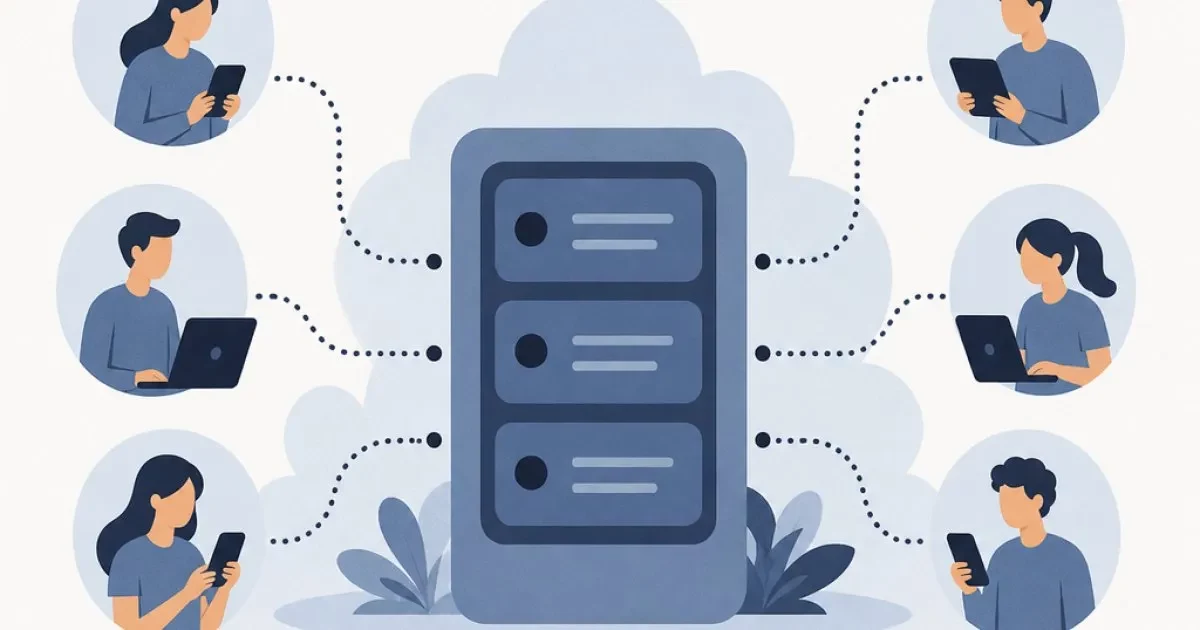
A VPS (Virtual Private Server) is an isolated slice of a physical server. That slice has CPU, memory and disk space reserved for you, and it works like a complete computer, usually available all the time.
The main consequence: what happens on another client's server won't take down your project. In this guide you'll see how this division is made, what changes compared to shared hosting, and when it makes sense to migrate. If you want a broader overview first, it's worth reading the complete guide to what a VPS is and how it works.
What is a VPS: the apartment building analogy
Imagine a building. The physical server is the whole building, with structure, power and internet. What changes is how you live in it.
- Shared hosting: like sharing a room with several people. Everyone uses the same space, the same power outlet and the same shower. If someone decides to use everything at once, there's less left for the others.
- VPS: like an apartment that's yours. It has walls, a door and a key. What you keep there is yours, and the neighbor's noise doesn't get into your living room.
- Dedicated server: the whole building for yourself, which usually costs much more and is rarely necessary at the start.
A VPS sits in the middle: it offers much of the freedom of a dedicated server at a far more affordable cost.
Behind the curtain: virtualization and hypervisor
The magic is called virtualization. A piece of software called a hypervisor runs on the physical server and divides it into several virtual machines. Each one is isolated from the others, with its own operating system, its share of CPU, RAM and disk space.
In practice, when you access your VPS, it feels like you're using an independent computer. You install programs, restart the system and adjust settings without affecting anyone else. And the hypervisor ensures that each machine stays within what was contracted.
What you get with a VPS
The main resources under your control are:
- CPU (vCPU): the processing cores reserved for your server.
- RAM memory: the space where your programs and sites work in real time.
- NVMe SSD storage: fast disk for files, databases and the system.
- Dedicated IP: a unique address for your server.
- Administrative access: you control the system and install whatever you need.
Windows or Linux: the system changes how you work
A VPS can run Windows or Linux, and the choice determines how you connect and what it is best suited for.
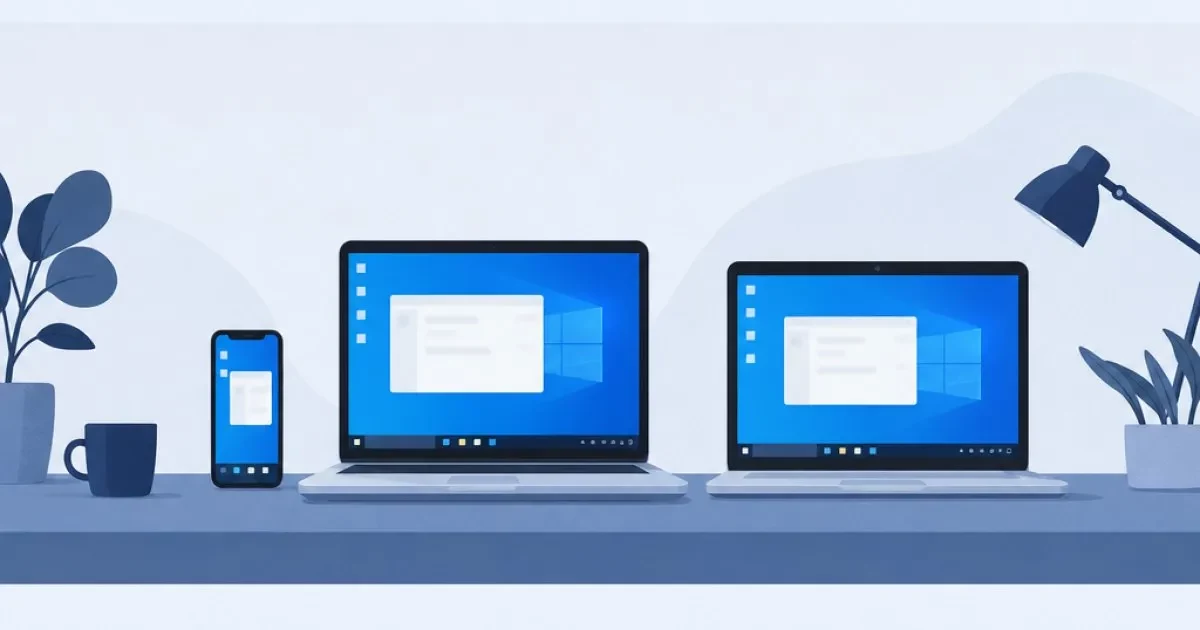
- Windows: you connect through Remote Desktop (RDP), seeing a screen similar to your PC's. It's common for Windows programs, ASP.NET applications and trading platforms. Check out the Windows VPS with Windows Server.
- Linux: access is usually through a terminal (SSH). It's widely used for websites, APIs, automation and development environments. See the Linux VPS with Ubuntu, AlmaLinux and Debian.
Didn't get it right the first time? In both cases you can reinstall and change the operating system version as many times as you want, at no cost.
VPS vs shared hosting: where the difference lies
Both put your site online, but they work in very different ways. With shared hosting, several sites usually split the same resources on one machine, and the provider handles the technical side. With a VPS, resources are reserved and you gain more control, but you also take on more responsibility.
| Criteria | Shared hosting | VPS |
|---|---|---|
| Resources | Split among many sites | Reserved for your server |
| Isolation | Low | High, each VPS is independent |
| Stability during peaks | Can fluctuate with neighbors | Tends to be more predictable |
| Control | Limited to the panel | Administrative access to the system |
| Installing your own programs | Generally no | Yes |
| Management | Simpler, almost ready-made | More responsibility on your side |
A common example: another site on the same shared server may get a large traffic spike during a promotion. The entire server feels it, and your site can slow down even though you did nothing. If shared hosting still meets your needs well, it remains an excellent option, and HostMF also offers hosting with cPanel, VPS and reseller plans.
Why a VPS tends to be more stable
Three factors explain this:
- Reserved resources: the RAM and CPU in your plan are not shared with other customers.
- Isolation: a problem on another virtual machine doesn't spread to yours.
- Tailored configuration: you adjust the system, the web server and the database to your project.
This doesn't mean nothing can go wrong. A poorly optimized site or a plan that is too small can still slow down. But the cause is now within your control.
What a VPS is used for in practice
If you're wondering what a VPS is good for, these are the most common uses:
- Online stores and sites with heavy traffic: more headroom during campaign days.
- Systems and applications: ERPs, APIs and programs that need to run nonstop.
- Automation: tools like n8n, which keep running workflows all the time.
- Game servers: communities that want their own server.
- Trading bots: programs that need to stay on 24/7, without depending on your computer.
- Remote access: a cloud desktop you can reach from anywhere.
The VPS provides the foundation; the result depends on how you configure and use the server.
When it's worth moving to a VPS
You don't need a VPS on day one. But a few signs show that shared hosting has become too tight:
- The site slows down during peak hours.
- You frequently hit resource limits.
- You need to install specific programs or versions that the plan doesn't allow.
- You want more control and more layers of security.
- The project has grown and keeps growing.
If two or three of these points apply to you, it's worth looking at VPS plans.
What to consider before signing up
- How much resource to choose: start with your actual usage (how many sites, which programs) and leave some margin. If you grow, you can upgrade later.
- Data center location: the closer to your audience, the lower the latency. For visitors in Brazil, a data center in the country helps; for trading or services abroad, another region may be better.
- Anti-DDoS protection: check whether it is included in the plan.
- Contract terms: prefer contracts with clear exit conditions and, ideally, no early termination fee.
- Support in Portuguese and English: makes a difference when something needs to be fixed quickly.
- Scalability: check whether you can move up a plan without redoing everything.
Common questions from beginners
Do I need to be an expert? No. Many people start with the basics and learn gradually. If you get stuck, support can help.
Do I need to buy a large plan? No. You can start small and grow as demand increases.
Will I lose my files if I make a mistake? Make backups regularly. This applies to any server.
Next step: put your project on a VPS
A VPS works like your own apartment inside the building: reserved resources, isolation and freedom to configure. Compare this with what your site needs today, watch for signs of strain, and decide whether it's time to make the move.
When you're ready to take that step, explore HostMF's VPS plans, with instant activation and no lock-in contract, or contact our support team in Portuguese or English to get your questions answered.