An application that works perfectly on the developer's computer can fail at the first deploy for a simple reason: the stack was not planned together with the infrastructure. When evaluating web development stacks, it is not enough to pick a popular language or a fast framework. You need to consider the database, the operating system, the deploy process, resource usage, security, and the ability to grow without rebuilding the whole environment.
For businesses, agencies, and independent developers, the best stack is the one that delivers the required result with predictable maintenance. A corporate website, a SaaS product with many users, an API for an app, and an automation built with n8n have different demands. The technical decision must match the project goal, the budget, and the level of control the team wants to have.
What makes up a web development stack
A stack is the set of technologies that makes an application work, from the interface the user sees to the services that process data on the server. It is not limited to the front end and the back end. The infrastructure where the project runs is also part of the choice.
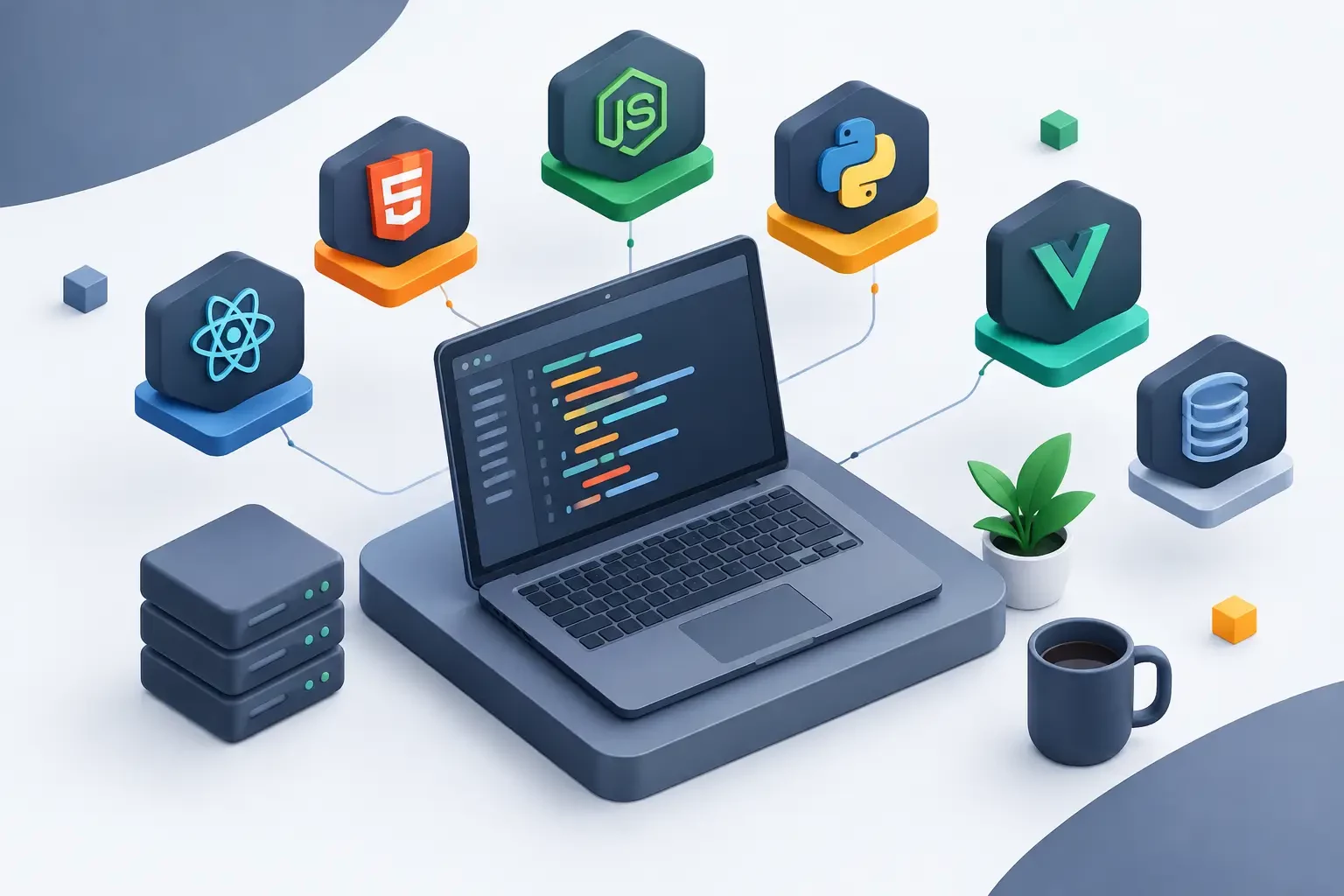
On the front end, you have HTML, CSS, and JavaScript, plus frameworks such as React, Vue, and Angular. They define the on-screen experience, loading speed, and how the browser communicates with the application. For content pages and smaller stores, a solution based on WordPress or another CMS can greatly reduce publishing time. Admin panels, subscription platforms, and digital products usually benefit from custom-built interfaces.
On the back end, the most common options include Node.js, PHP, Python, Java, Ruby, .NET, and Go. This layer receives requests, applies business rules, integrates payment gateways, manages authentication, and communicates with the database. The ideal language depends on the team's experience and the product's needs. Choosing a technology only because it is trending can create maintenance costs when no one on the team knows the environment well.
The database completes the core of the application. MySQL and PostgreSQL are common choices for relational data such as customers, orders, invoices, and permissions. MongoDB and other NoSQL databases can make sense when the data model changes often or when there is a large volume of documents. Redis is often used as a cache, queue, or temporary storage to reduce repeated queries and improve response time.
Finally, there is the operational layer: Linux or Windows, a web server such as Nginx or Apache, Docker, a deploy panel, an SSL certificate, a firewall, backups, and monitoring. This is the stage where an application stops being just code and becomes a service available to customers.
Web development stacks for each type of project
There is no single combination that works for everyone. The best path starts with the real need, not with the technology that is currently popular.
Websites, blogs, and online stores
For corporate websites, blogs, and content operations, PHP with WordPress remains a practical choice. The availability of themes, plugins, and professionals reduces the initial cost. For online stores, WooCommerce can serve small and medium operations, as long as the server has enough resources for the catalog, the simultaneous visitors, and the integrations in use.
With this stack, shared hosting may be enough at the beginning. When the project starts to depend on plugins, advanced caching, scheduled tasks, or higher traffic, a Linux VPS offers more freedom. You can adjust PHP versions, memory limits, caching rules, and database settings without the common restrictions of shared environments.
SaaS, panels, and applications with an API
Projects with logins, subscriptions, dashboards, and integrations usually use React, Vue, or Angular on the front end. On the back end, Node.js, Laravel, Django, FastAPI, Spring Boot, and .NET are frequent paths. The choice should consider productivity, available libraries, and how easy it will be to hire or maintain professionals in the future.
A common combination is React or Next.js on the front end, an API in Node.js or Laravel, PostgreSQL as the main database, and Redis for caching and queues. It fits many digital products, but it is not a rule. Laravel can speed up the delivery of administrative systems. Python may be better suited for projects involving data analysis. .NET is often a natural option for companies already working within the Microsoft ecosystem.
The decisive point is separating responsibilities. The front end, API, database, and queue services can run together on a single VPS at the start. As demand grows, the application can be split into different services. This prevents heavy processing of emails, reports, or automations from slowing down the experience of people using the system.
Automation, integrations, and internal processes
Tools like n8n let you automate tasks across forms, CRMs, email, spreadsheets, messaging, and APIs. Although they seem simple to install, automations depend on constant availability. A workflow that stops midway can duplicate orders, lose leads, or delay important communications.
In this scenario, Docker makes it easier to install and update the environment. A Linux VPS with NVMe SSD, reserved resources, and administrative access lets you control environment variables, the database, webhooks, and backup policies. If the automation grows, it is worth separating the tool, the database, and the auxiliary services to reduce risks during updates.
How to choose the infrastructure for your stack
The infrastructure must match how the application behaves. CPU, RAM, and storage are not isolated numbers: each resource affects a different part of the operation. More RAM helps applications with multiple processes, caches, and databases. CPU affects builds, queue processing, and traffic spikes. NVMe SSD reduces the delay in reading and writing files and data.
A VPS is recommended when you need to install specific packages, use Docker, configure Nginx, run queue workers, or have root access. It is also a useful choice for those who want to avoid the process and extension limits found in shared hosting. For Windows environments, a Windows VPS supports applications based on .NET Framework, Microsoft databases, legacy automations, and use through remote desktop.
Server location also deserves attention. For an audience in Brazil, hosting on a VPS in Brazil tends to reduce latency and improve the responsiveness of interactive systems. For services aimed at international users, a location in Canada or Europe may make sense, depending on where most access comes from. It is not only a matter of speed: contractual requirements, external integrations, and business strategy can also influence this decision.
Security and continuity should be part of the planning from the first deploy. SSL, system updates, strong passwords, SSH key access, correct permissions, and tested backups prevent problems that do not appear during local development. Anti-DDoS protection helps keep the service accessible against malicious traffic, but it does not replace good practices in the application, such as rate limiting, input validation, and access control.
Control panel or manual configuration?
This choice depends on the available time and the team's technical level. Manual configuration gives you full freedom to install versions, adjust services, and define the desired architecture. In return, it requires knowledge to manage updates, logs, security, and failure recovery.
Panels such as cPanel and WHM are useful for hosting multiple sites, customer accounts, and resale. They simplify domains, email, databases, certificates, and permissions. For modern container-based applications, alternatives such as EasyPanel, Coolify, aaPanel, and CyberPanel can reduce deployment work, especially in projects using Git, Docker, and multiple services.
A panel does not remove the need to understand the application. It reduces repetitive operational tasks, but it does not fix excessive memory usage, slow queries, or a poorly sized architecture. Before choosing, check whether the tool supports your language, your database version, your background processes, and the backup strategy you need.
Mistakes that make the stack more expensive over time
A common mistake is building a complex architecture for a project that is still validating its first version. Kubernetes, microservices, and multiple databases can be appropriate at scale, but they bring operational costs. For many new applications, a well-configured VPS with Docker, a database, and a backup routine handles the initial phase more simply.
The opposite mistake is keeping everything on a small environment after the project has grown. Signs such as slowness during peak hours, queues piling up, constant CPU usage, memory shortages, and downtime during updates show that it is time to review resources and separate critical components.
It is also worth avoiding excessive reliance on undocumented manual configurations. Record environment variables, ports, versions, and deploy and restore procedures. If only one person knows how to bring the system online, the business is exposed to delays and avoidable errors.
At HostMF, a Linux or Windows VPS with instant activation, unlimited traffic, and NVMe SSD lets you build the stack your project requires, whether it is for a website, an API, a customer panel, or an automation. The advantage is having resources under your control, with no contract commitment and room to evolve the configuration.
The right stack is not the one with the most tools. It is the one your team can deploy, monitor, maintain, and expand safely when the next customer, access request, or automated process arrives.